1 of selected
Back to All Laptops

Customer Reviews

4.2
Based on 247 reviews
Wilson Score: 78.9
5 ★
66%
4 ★
23%
3 ★
7%
2 ★
2%
1 ★
2%

Recent Reviews

Verified Purchase
11/22/2022
4.0 out of 5 stars Great value (on sale) - Display is the shortcoming
By Mr. Practical
A chromebook is the way to go if you want to run Android Apps and the cloud is where you want to be. This is my second chromebook and the reason I am leaving the first is that it is still blazing fast, still has superior battery life, but is unsupported by google and receives no updates other than critical security patches. This machine will be supported until 2029 apparently.So here's what I have found. The size is the same as my high end 14" ThinkPad. Very very convenient size that will fit easily in a small duffel bag or backpack for travel. The keyboard is tight (like a 14" laptop) but has big easy to use keys and the texture (lol) feels pretty good on the finger tips. It boots up and closes in seconds, still faster than an IBM Pc. Typical for a chromebook is that there is no delete key so the backspace gets double duty.What I especially like is the USB-C charging from either port and the slot for a memory card. The USB-C will also enable you to charge a phone or other device from the chromebook battery or the charger itself which saves you from having to carry multiple chargers for this machine and your phone. The camera is about average.The downside and what other less than 5 star reviews comment on is the quality of the display. It's not very sharp and the viewing angle can be a little tricky.Overall this is a great value. I will be updating this review (for real) after I have about 6 months of use on it.
35 people found this helpful
Verified Purchase
1/13/2023
3.0 out of 5 stars Big on screen and battery, average performance
By David Okwii
I own a Galaxy Chromebook Go myself and I have it for one and half years now. Like most reviewers have written, the 1366 x'0 768 resolution display is a let down and the Intel Celeron N4500 1.1Ghz processor won't let you do multitasking and 32GB onboard storage is quite small. But this is pretty much the specs of 99% of Chromebooks in this price range. Actually this laptop gives much more screen real estate, thanks for 14" screen instead of the much smaller 11" displays typical of Chromebooks. And with WiFi6 support instead of the usual WiFi 5 typical of Chromebooks, you have to cut it some slack. Also you can't complain that it doesn't have an HDMI port. That's practically every Chromebook which has shifted to USB-C for both display and Charging.Alright, I've personally enjoyed using this Chromebook. For the current price point of $215 on Amazon, I think it's worth the extra screen real estate, faster WiFi, two USB-C ports, a USB-A port, microSD card slot and headphone jack slot. Plus I really like the touchpad and keyboard, it's a lot better than even premium laptops I have used like my Asus Vivobook. The hinge is still solid. The battery is still almost all day.However, I can't say it has aged gracefully because I have a lot of scratches on the plastic back. The down firing speakers included under the base are average, but good for casual Spofify listening. Also I think Samsung should have included at least 64GB just like it's competitor in this price point. And Samsung should have made the screen Full HD 1080 instead of 720 to differentiate itself from its competitors in this price range.In summary, I use this laptop as an in-between my Mac Mini desktop machine which I use for serious video and photo editing and Asus VivoBook dualbooted with both Windows and Linux which I use for website development. I take this Chromebook with me to the cafe or on a Safari or casual browing in the living room. If you don't get this baby, then I recommend a cheaper but smaller screen Lenovo IdeaPad 3 HD 11.6″ Chromebook, ASUS C223 Chromebook or HP 11a Chrombook(11a-na0010nr).
17 people found this helpful

Frequently Asked Questions

What is the actual processor model and speed?
The laptop uses an Intel Celeron processor running at 1.1 GHz.
Is the 32GB storage expandable?
The internal storage is a fixed 32GB eMMC; there is no mention of an internal expansion slot, but you can use cloud storage or external USB drives.
How durable is this Chromebook?
It is constructed to meet military-grade durability standards (Mil-STD-810G equivalent tests) to withstand occasional drops, dings, and spills.
What are the exact dimensions and weight?
It measures 8.88 x 12.88 x 0.63 inches and weighs 3.2 pounds.
What Wi-Fi and Bluetooth standards does it support?
It supports Wi-Fi 6 (802.11ax) and Bluetooth for wireless connectivity.

Similar Laptops You Might Like

$399.99
17 reviews
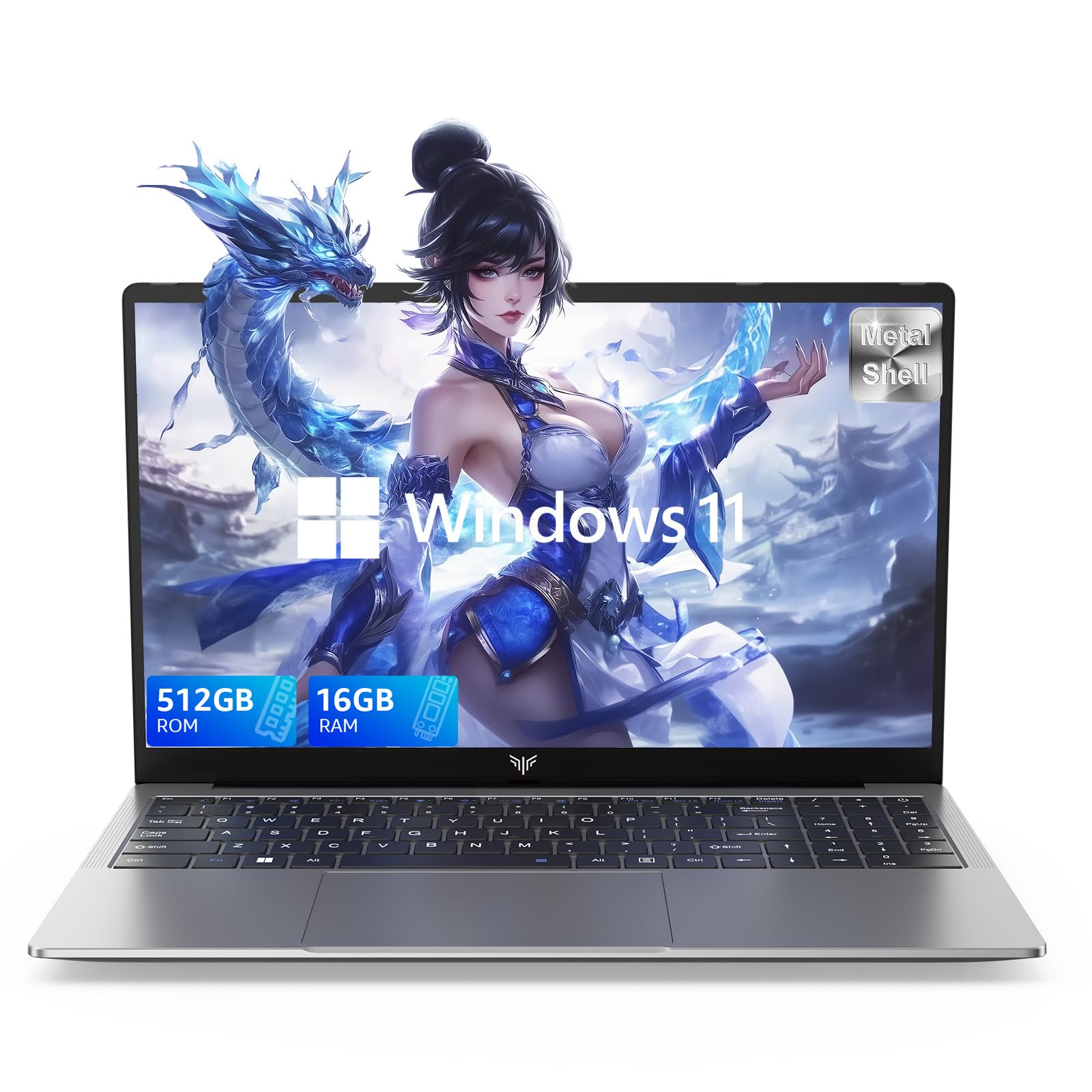
Laptop, 15.6" Business Student Laptop Computer, Intel Quad-Core Processor Windows 11 Laptop, 16GB DDR4 512GB SSD, Up to 2TB,180° Open Angle, Metal Shell, WiFi, USB3.2, Type C
  • Brand: ACEMAGIC
  • Model: AX15
  • Screen: 15.6 Inches Inches
  • Processor: Intel
  • GPU: Intel UHD Graphics Up to 1.2GHz
  • RAM: DDR4
  • Storage: 512 GB SSD
Recent Reviews
David JB (Verified Purchase)
5.0 out of 5 stars 5 stars

great laptop for the price. The 16GB RAM and 512GB ssd provide smooth performance and the 180° hinge is a nice touch. Windows 11 runs well, and the sleek Silver Gray design looks premium. Highly recommend!

3whitey (Verified Purchase)
1.0 out of 5 stars Crashed

Laptop crashed with only a few days of use.I don’t find any warranty information
$249.99
15 reviews
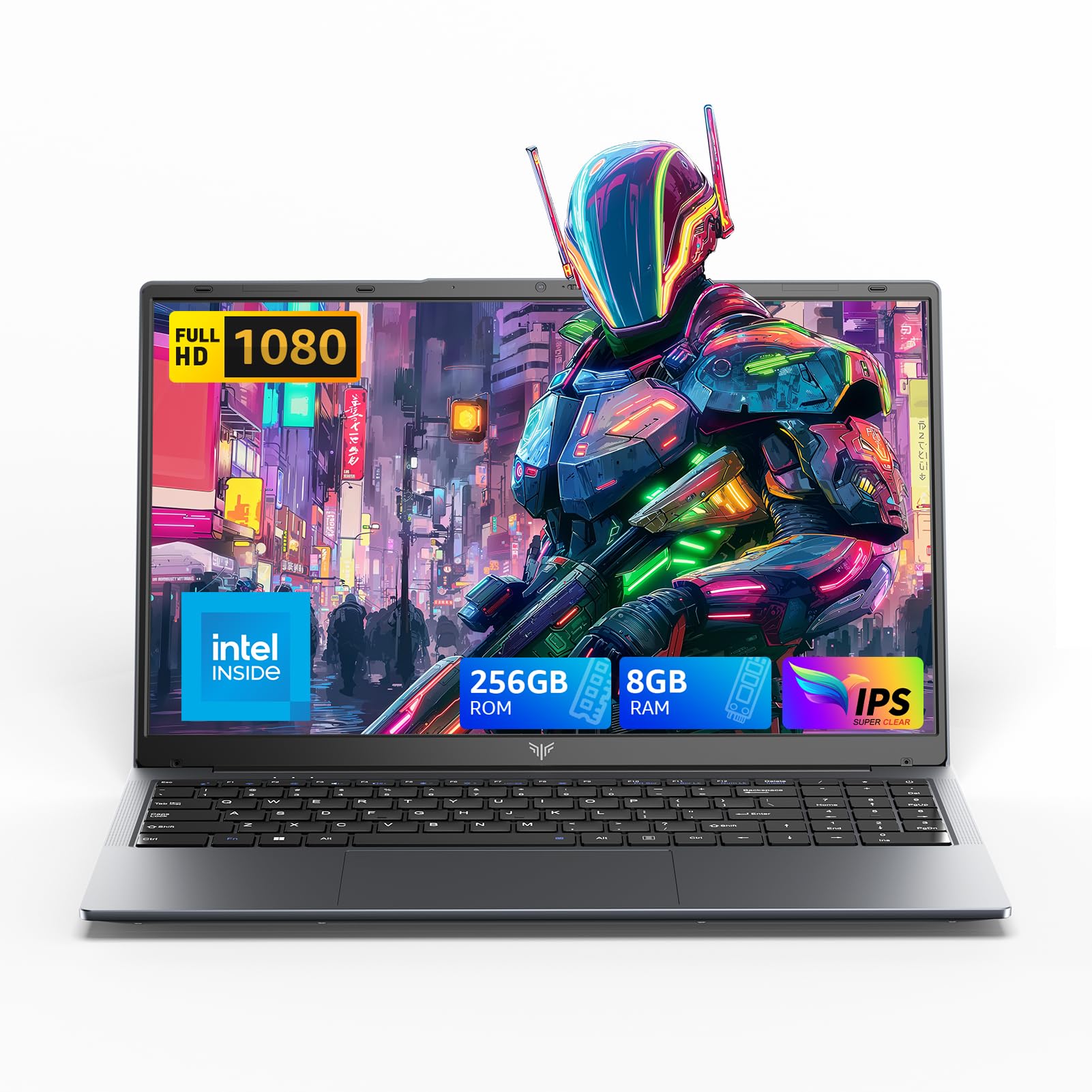
2025 LX15 Laptop, 15.6-inch FHD (1920 x 1080) Display, Ιntel N197(4C/4T) Processor, 8GB DDR4 RAM, 256GB SSD, WiFi5, BT5.0, 38Wh Battery, Gray
  • Brand: ACEMAGIC
  • Model: LX15
  • Screen: 15.6 Inches Inches
  • Processor: Ιntel
  • GPU: Integrated
  • RAM: DDR4
  • Storage: 256 GB SSD
Recent Reviews
Nicholas (Verified Purchase)
5.0 out of 5 stars Rocky setup, but end result was worth it

The media could not be loaded. When I first booted this laptop up, it presented me with a "defaultuser0" account that I didn't know the password to. I completely wiped this laptop's SSD and reinstalled Windows to play it safe, and after that it worked like a charm with regular setup. I did have to find drivers online for the touchpad afterward though.Getting at the SSD to do all of this was thankfully pretty easy, since the bottom panel was removable with a few tiny screws. I noticed that there is only a single slot for RAM in there, but it isn't soldered on so I was able to upgrade it with a 16 gig stick at least. The N97 is no gaming powerhouse but it plays some older titles still, and the laptop works great for work like emails and browsing the internet.

Romaine (Verified Purchase)
4.0 out of 5 stars Good Stuff

Its good runs fast and has space, works for school