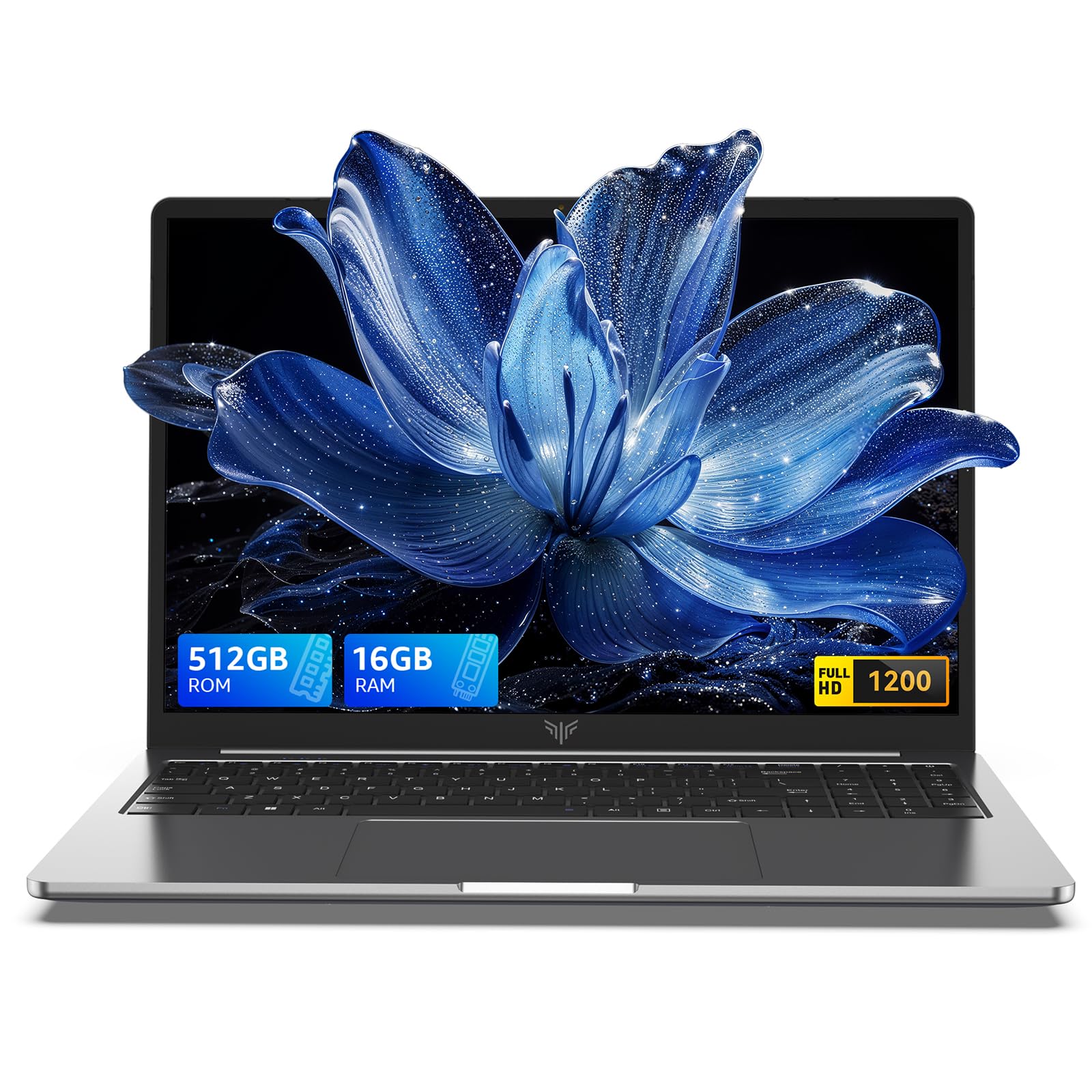
5.0 out of 5 stars MSI Prestige 13 AI+ Evo - light weight with a few tradeoffs
By DP
I just received my MSI Prestige 13 AI+ a few days ago, so all of these observations are preliminary. Overall, I’m impressed.Positives• Weight – 2.2 pounds is REALLY light. I’ve been travelling with a 3.1 pound machine and the difference is very noticeable.• Battery life – when I started it for the first time the battery was at 85%. After several hours of getting it set up the way I wanted (so lots of disk and wifi access) it was at 40%. And that was on the default power profile, there are more efficient choices.• Responsiveness – in daily use it’s very snappy, with strong single threaded performance. I’ll dump on the multithreaded performance in the Negatives, but for routine stuff it’s way more than just adequate.• Graphics performance – I haven’t fired up any games yet, but this gets good scores in 3Dmark at the out-of-the-box settings:o Time Spy – 3427 index, 3210 GPUo Steel Nomad (normal, not light) – 618 indexo DirectX raytracing – 8.0 fps, which might not look impressive but (1) I’m amazed it works at all and (2) my old laptop with an RTX 2060 only did 12.0 fps and a desktop 2070 only got 16.1 fps.• Wifi connection – I’ve had other laptops that take forever to connect after a cold start, this one is instantaneous.• Screen – high resolution OLED, once you see OLED nothing else looks as good. Brightness is pretty good too, although I haven’t tried it outdoors on a sunny day yet. It’s much more readable than I expected for 13” with scaling at 225%.• Construction – feels solid, nothing flexes too much.• Physical shutter on the webcam• Plenty of ports – 2 USB-C (I haven’t tried anything Thunderbolty yet), 1 USB-A, HDMI, and even a micro SD card reader.• Intel AI Playground – a fun, free download from Intel that works really well on this machine. For example, text to image generation taking 5-10 seconds per image (although I’m not trying anything fancy). Also, it does everything locally so there’s no need for an Internet connection or subscription. It’s big (I’m at 20GB or so and haven’t downloaded nearly everything), but, hey, gotta put something on that 2 TB drive.• Value – OLED, 32GB RAM, and a 2 TB drive with the latest gen processor for $1400 – enough said.Negatives• Software – the MSI Center S software is nowhere near as good as ASUS combination of My ASUS and Armory Crate. Most notably, MSI has no option to limit the maximum battery charge (to preserve battery life) or any OLED care (like pixel shifting). Also, every time I start MSI Center is makes me re-agree to two licenses, which may be because I declined the “you can spy on me” option. And the software update link goes to a page that doesn’t work. The cherry on top of the software mess is pre-installed Norton which immediately and often pops up to nag you.o The basic BIOS setup offers almost no control. For example, by default the 32GB RAM gives up 16GB for graphics but I’d hope that’s adjustable. I’ve seen some hints for how to get to a more advanced BIOS panel but haven’t tried them yet.• Multithreaded performance – the reviews of the Core Ultra 7 258V that are out there are right, 8 cores / 8 threads is a real limitation for heavy multithreaded loads. However, I think this is a good tradeoff for better battery life in this class of laptop (I’d be REALLY disappointed in the performance if this was not an ultraportable). In short, for my typical use (Office, web, video, a little photo/video editing, light gaming) it’s perfectly fine, and I’m willing to take the hit on heavy tasks that I don’t do that much anyway.o I’ve only run 3Dmark benchmarks, but in Time Spy the CPU score was 5555 (vs. 7826 for my old Ryzen 6800H).o Not related to this machine but I’d completely avoid any system with the 256V (the 16GB version of the chip in this laptop). The processor has the memory built in so it can’t be upgraded, and the graphics memory is pooled with the main memory. So 16GB sounds decent but in use it will be less.• Screen – only 60 Hz, although it’s been rock steady so far. Also, it uses PWM at lower brightness so there’s some flicker. I noticed it a lot when I first set the brightness to less than the retina searing 100%, but honestly it hasn’t bothered me since.• Speakers – poor sound quality and low volume. Thankfully, there’s Bluetooth and a headphone jack.All in all I’m very pleased and would recommend the MSI Prestige 13 AI+ especially if you prioritize battery life, the screen, “routine” use and even some gaming over CPU intensive multithreaded tasks.
67 people found this helpful
4.0 out of 5 stars Great little laptop, problems with initial setup
By Geoffrey R. Morin
I've been using this laptop for about 3 days now, and I have to say, it's pretty great. Even thought the OLED screen is only 60hz, it still pops. It's fast, the wifi is excellent, it stays cool in balanced mode, and the battery lasts over 10 hours. It probably could get 20 hours in eco mode. It doesn't have a ton of initial bloatware other than some MSI apps and a Norton nagger. The keyboard is surprisingly pleasant for a small unit, very similar in feel to the 6 year old Dell XPS im coming from. It's SO light.Now for the bad: The initial setup is horrible. This is my first computer to ship with windows 11, so I've never set it up from scratch before. After it asks some basic questions about region and whatnot, it does a wifi setup. Then, it immediatly goes to windows updates and gets stuck at 0%. I noticed another reviewer had the same issue. You can force shutdown and restart, but it does the exact same thing over and over. My workaround was to plug in a USB-C ethernet adapter I had handy for wired connectivity to my router. It completed the updates successfully. I suspect there is some issue with the initial wifi setup on this laptop that needs to be addressed.Other than the single issue, It's been outstanding.
9 people found this helpful