1 of selected
Back to All Laptops

Customer Reviews

4.1
Based on 30 reviews
Wilson Score: 64.9
5 ★
66%
4 ★
23%
3 ★
7%
2 ★
2%
1 ★
2%

Recent Reviews

Verified Purchase
9/7/2024
5.0 out of 5 stars Excellent computer… but
By TryGuy
I recently purchased the Microsoft Surface Laptop (2024), and overall, I’m incredibly impressed with its performance. The 13.8" touchscreen display is vibrant and crisp, and the Snapdragon X Elite (12-core) processor makes multitasking a breeze. With 16GB of RAM and 1TB SSD storage, this laptop handles everything I throw at it—whether it’s video editing, running complex software, or just casual browsing. Windows 11 runs smoothly, and the device feels premium and well-built. Battery life is outstanding, and it’s surprisingly lightweight, making it great for both work and travel. The laptop is fast, responsive, and does exactly what I need without any hiccups. However, my one gripe is that after spending nearly $2,000 on this high-end machine, I still have to pay extra for Copilot+. Given the price of the laptop, I would have expected this feature to be included, especially since it’s one of Windows 11's flagship features. While Copilot+ is a helpful AI tool, it feels like it should be a standard part of the package. Overall, I’m still giving it 5 stars because the hardware is fantastic, and it excels at everything I use it for. I just wish Microsoft would rethink the pricing model for Copilot+.
94 people found this helpful
Verified Purchase
6/30/2024
2.0 out of 5 stars Closed/proprietary ARM chip/peripherals and poor compatibility
By Brian Bosak
I'm a software engineer, and purchased this mainly out of curiosity to try and boot Linux on it. I managed to get a custom version of Ubuntu to boot to desktop, launch Firefox, etc using a USB keyboard, mouse, and boot drive (the installer for Ubuntu even sort of works, minus some bootloader issues regarding efivars). I was also able to install to the internal NVME drive as well, but unfortunately it seems that this is where things are a bit problematic from a standardization standpoint. Qualcomm's EFI implementation doesn't seem to support efivars, so you can't set Ubuntu as a boot option in the EFI boot menu (it only supports actual hardware drives as boot options). Installing the EFI executable in the standard location for the EFI boot directory doesn't work either. It turns out, that the EFI bootloader checks in the Microsoft directory first, then in the regular boot directory, so it's necessary to rename the Microsoft one to something else if you want to dual-boot Linux and Windows. This also means that it's currently not possible to enroll a custom secure boot key, so secure boot must be turned completely off to dual-boot Linux (as it can't be done with the signed Canoncical kernels, as each board will likely require a different kernel, and none of this is supported by the official kernels yet, this would also be very difficult for Canonical to maintain if they need to make a separate kernel for each board, which is unfortunately fairly typical for ARM devices in general. This is a problem I thought Microsoft would have solved, given how they standardized the PC platform on x64, but this doesn't seem to be the case).Another major issue with booting Linux even before you get to the kernel, is the bootloader starts in EL1, not EL2. There's a proprietary mechanism by which to escalate from EL1 to EL2 (Qualcomm secure launch) , but this only works for signed Windows binaries, so makes hypervisors effectively impossible to implement in Linux for this board.Additionally, Qualcomm uses non-standard ACPI descriptors for USB (XHCI). To initialize USB, you need to patch xHCI to bind to QCOM0D08, as it uses this descriptor rather than the standard PNP0D10, and isn't on the PCI bus like you'd expect on a PC (it's an ARM peripheral instead). Bringing up wifi didn't work with standard openly available firmware either, so relevant files had to be extracted from the Windows drivers for firmware, which got the ATH12k chip (which is actually on the PCI bus, along with NVME) to start up.Unfortunately, very little about this is standard, and each ARM board is likely to be slightly different. HID for example appears to be on a proprietary bus, and bringup of all these new ARM PCs will be very tricky for the Linux community to try and support. Virtualization support for Linux in Windows is also poor, with the USBIPD driver not supporting aarch64, and no way for the vendor to support aarch64 due to the closed-source nature of Windows Drivers (they currently rely on a shim driver from VirtualBox).Also from what I can tell there's no exposed serial port for debugging on this board, so if you're also bringing up Linux on this, make sure to use console=efifb as a kernel parameter to get debug output during bringup.
61 people found this helpful

Frequently Asked Questions

What is the actual screen resolution and pixel density of the 13.8-inch display?
The display has a resolution of 2304 x 1536 pixels. This results in a pixel density of approximately 201 pixels per inch (PPI), which is a sharp, high-resolution touchscreen.
Are all the advertised Copilot+ AI features, like Recall, available immediately when I receive the laptop?
No. Some key features, including Recall, require free updates that will be released starting late 2024 into 2025. The laptop ships with Windows 11, but the full suite of Copilot+ PC experiences will be enabled via these future updates.
What is included in the box for charging, and how does fast charging work?
The laptop comes with a 39W power supply. To use the advertised fast charging (5% to 80%), you need to purchase a separate, minimum 65W USB-C PD charger or a 65W Surface power supply, as the included charger does not support the faster rate.
How does the Snapdragon X Elite processor with 12 cores differ from Intel or AMD processors I'm familiar with?
This processor uses an ARM-based architecture from Qualcomm, similar to Apple's M-series chips, not the x86 architecture of Intel/AMD. It is designed for high performance with very low power consumption, enabling long battery life and integrated cellular-like connectivity, but some traditional Windows software may need to run through an emulation layer.
What specific components are made from recycled materials?
The laptop's enclosure (specifically the A Cover and C Bucket) is made from 100% recycled aluminum alloy, and the magnets contain 100% recycled rare earth metals. In total, the device (excluding the power supply) contains a minimum of 25% post-consumer recycled content, as validated by UL standards.

Similar Laptops You Might Like

$999.99
29 reviews
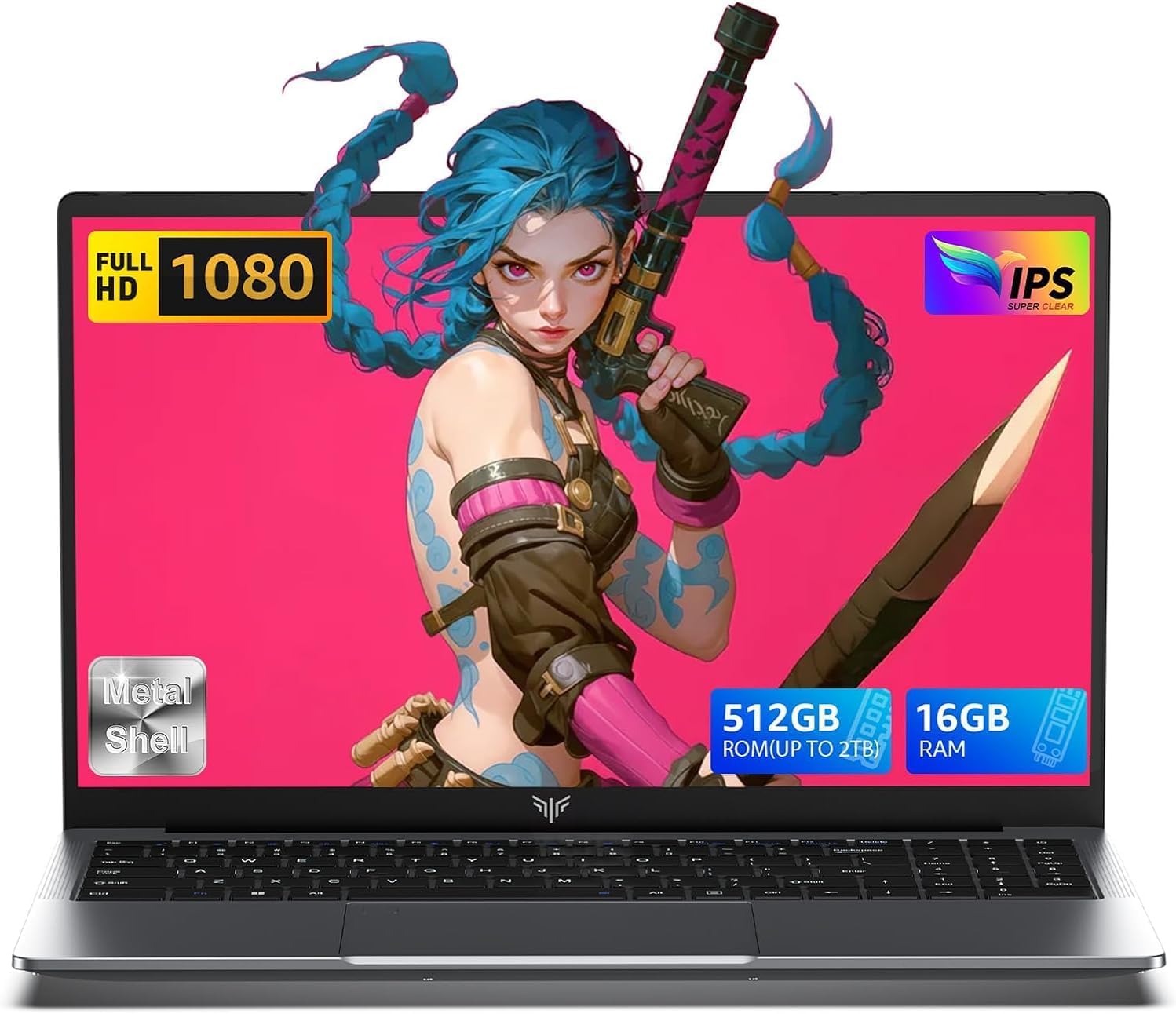
2025 Laptop,15.6-Inch FHD Display Laptop with Quad Core-12th Alder Lake N95(Up to 3.4GHz), 16GB RAM 512GB ROM Traditional Laptop Computer,Silver
  • Brand: ACEMAGIC
  • Model: AX15
  • Screen: 15.6 Inches Inches
  • Processor: AMD
  • GPU: Integrated
  • RAM: DDR4
  • Storage: 512 GB 512GB M.2 SATA SSD
Recent Reviews
Empress Abiona (Verified Purchase)
5.0 out of 5 stars BUY IT

Amaaaaazinggly big interface, I LOVE this laptop. Works super fast, Perfect for work/ Making music/ Day to day tasks and hobbies. Amazing HD screen and audio . 10/10

dawn (Verified Purchase)
5.0 out of 5 stars Great Purchase

I love my new laptop. It was so easy to set up. The 17-inch screen is wonderful, as well as the full keyboard. The mouse pad is nice and big, and the price was excellent. So glad I made this purchase.

$899.99
195 reviews
Nitro V Gaming Laptop | Intel Core i7-13620H Processor | NVIDIA GeForce RTX 4050 Laptop GPU | 15.6" FHD IPS 165Hz Display | 16GB DDR5 | 1TB Gen 4 SSD | Wi-Fi 6 | Backlit KB | ANV15-52-76NK
  • Brand: acer
  • Model: Nitro V
  • Screen: 15.6 Inches Inches
  • Processor: Intel
  • GPU: NVIDIA GeForce RTX 4050
  • RAM: DDR5
  • Storage: 1 TB SSD
Recent Reviews
S.B. (Verified Purchase)
5.0 out of 5 stars Runs my Sims perfectly!

This computer is amazing. Definitely worth it. This is the first real gaming laptop I’ve had and it makes a huge difference. Zero lag on my sims and I have almost all the add ons. I played the sims for like 3 hours straight and it barely got warm. Highly recommend!

Monica (Verified Purchase)
5.0 out of 5 stars GREAT! Sturdy, Smooth and Speedy laptop

Absolutely a great laptop for the price, and it's a gaming machine which tend to be sturdy enough to use for a long time. My last Acer laptop is STILL running and working to this day, purchased in 2020. So it was not a hard decision to buy this one, especially for such a good price.