1 of selected
Back to All Laptops

Customer Reviews

4.5
Based on 1,400 reviews
Wilson Score: 88.3
5 ★
66%
4 ★
23%
3 ★
7%
2 ★
2%
1 ★
2%

Recent Reviews

Verified Purchase
9/19/2022
5.0 out of 5 stars A great gaming laptop
By Zak
After 12 months of owning this, i can say it was a very nice and solid choice of a laptop for the price i got it for (1000$).+ The Pros:- Slick design that doesn't scream gamer.- The laptop build is solid.- Keyboard is pleasant to type on.- Nice and vibrant screen.- Plays anything i throw at it with ease (@1080p 60fps on god of war. 120+ fps apex legends. 90+ fps monster hunter rise. 200+ fps divinity original sin).- Runs cool, CPU and GPU doesn't exceed 75c in most demanding games/applications (if you apply the tips below).- Decent 4.5 hours battery life.- The Cons:- The 3050ti is actually great but the 4gb of vram might prevent you from choosing very high textures in games or could be an issue if you try to render super heavy scenes in 3d softwares that require alot of vram. (For me it was enough to run Lumion 3D without issues and it never exceeded 4GB)- My unit has high pitched fans so it's loud under load.Tips to reduce your CPU and GPU temperatures on the laptop:1- Have the back of your laptop raised by few centimeters to allow more air into the vents. (3 to 5c lower temps)2- Play on balanced mode instead of Performance, you will get lower temps (by up to 10c) and not much performance is lost (5% to 10% at worst, at least that's what i saw with my games.)3- Disable boost, this had minor impact on my fps but i had cooler temps on my ryzen 5800h temps (14c lower temps).To disable boost follow steps below:– Run cmd as administrator and type in:powercfg -attributes sub_processor perfboostmode -attrib_hideThis will reveal a setting "Processor performance boost mode" in the advanced options in your power plan settings that lets you enable or disable boost.– If you want to Undo the previous operationpowercfg -attributes sub_processor perfboostmode +attrib_hide– Configure it in your preferred power plan:Control Panel/Power Options/Change Plan Settings/Change advanced power settings/Processor power management/Processor performance boost modeWhile Disabled (Default: Aggressive) your thermals will improve drastically with minimal or zero performance lost depending on the game.If you don't want to completely disable it use Efficient Aggressive.Note that disabling boost reduces performance when doing demanding non-gaming workloads like rendering (mostly CPU workloads), so disable it if you want max performance at the cost of more heat.[Review updated with pictures showing temperature improvements for both CPU (Ryzen 7 5800H) and GPU (3050TI) using the tips above running Monster Hunter Rise]
47 people found this helpful
Verified Purchase
7/21/2021
5.0 out of 5 stars Great laptop for just around $1,000!
By BlazingKyatto
The Lenovo Legion 5 with RTX 3050Ti is an amazing gaming laptop for around the $1,000~ price point.While it is true that the 3050 and 3050Ti are the lowest tier GPUs of the RTX 3000 (mobile) series, for casual gaming this laptop delivers some great performance and graphics, do keep in mind that a lot of recent AAA titles won't play at the highest graphical settings compared to if you were using a higher tier GPU like the 3060, 3070 or 3080, but for the types of games I personally play, the 3050Ti still performs great at an affordable price.The device itself is very well built, the outside is made of plastic but it feels solid, the keyboard feels nice to type and game on, the trackpad is ok but using a mouse is preferable, speakers aren't amazing but don't sound terrible either, the camera is there and it's whatever but you at least get a switch to physically disable it at any time. The display on this is great, it gets very bright, the refresh rate is of 165z, and the color accuracy is respectable. Thermals haven't been a problem with the games that I've thrown at this device, there are three fans settings to pick from: quiet, balance, and performance, even at performance mode I can barely just hear the fans kick in when a lot is happening on the screen, plus this cooling pad that I got from "havit" seems to help it a bit.Maybe my only two nitpicks (that aren't too big of a deal for me to take stars away from this product), is that the keyboard has a number pad, which is more of a subjective taste but I personally just don't ever use the number pad on any keyboard, and the second nitpick is the fact that out of the box this laptop comes with 512* GB of storage (more like 475 GB considering how much storage system files take up), but on the bright side there is a second SSD slot inside the device so storage can be upgraded in the future.If you couldn't tell, I am very happy with this laptop so far, especially considering how I went from a laptop with an AMD A12 with integrated Radeon Graphics to a Ryzen 7 5800H with RTX 3050Ti, like, over half of my Steam library has now unlocked and become playable!(Also, say "hi" to my Clairen plush from the picture).
47 people found this helpful

Frequently Asked Questions

What is the exact model of the dedicated graphics card and how much dedicated memory does it have?
This laptop uses an NVIDIA GeForce RTX 3050 Ti graphics card with 4GB of dedicated GDDR6 memory.
What type of SSD storage is used and is there an option to expand it?
It comes with a 512GB NVMe SSD. The product details do not specify if there are open slots for storage expansion, so you would need to check the service manual or contact Lenovo support for upgrade options.
What is the refresh rate and response time of the display, and does it support adaptive sync?
The 15.6-inch FHD IPS display has a 165Hz refresh rate, a less than 3ms response time, and supports AMD FreeSync Premium technology to reduce screen tearing.
What ports are available for connecting peripherals and external displays?
For connectivity, it includes 1 USB-C port, 4 USB-A ports (likely a mix of speeds, with at least some being USB 3.0), an HDMI 2.1 port, a DisplayPort 1.4 via USB-C, an RJ45 Ethernet jack, and a 3.5mm audio combo jack.
What is the keyboard like and does the laptop have a webcam privacy feature?
It features a Legion TrueStrike keyboard with 4-zone RGB backlighting. The built-in 720p webcam includes an electronic shutter (e-shutter) for privacy, allowing you to disable it in software.

Similar Laptops You Might Like

$999.99
29 reviews
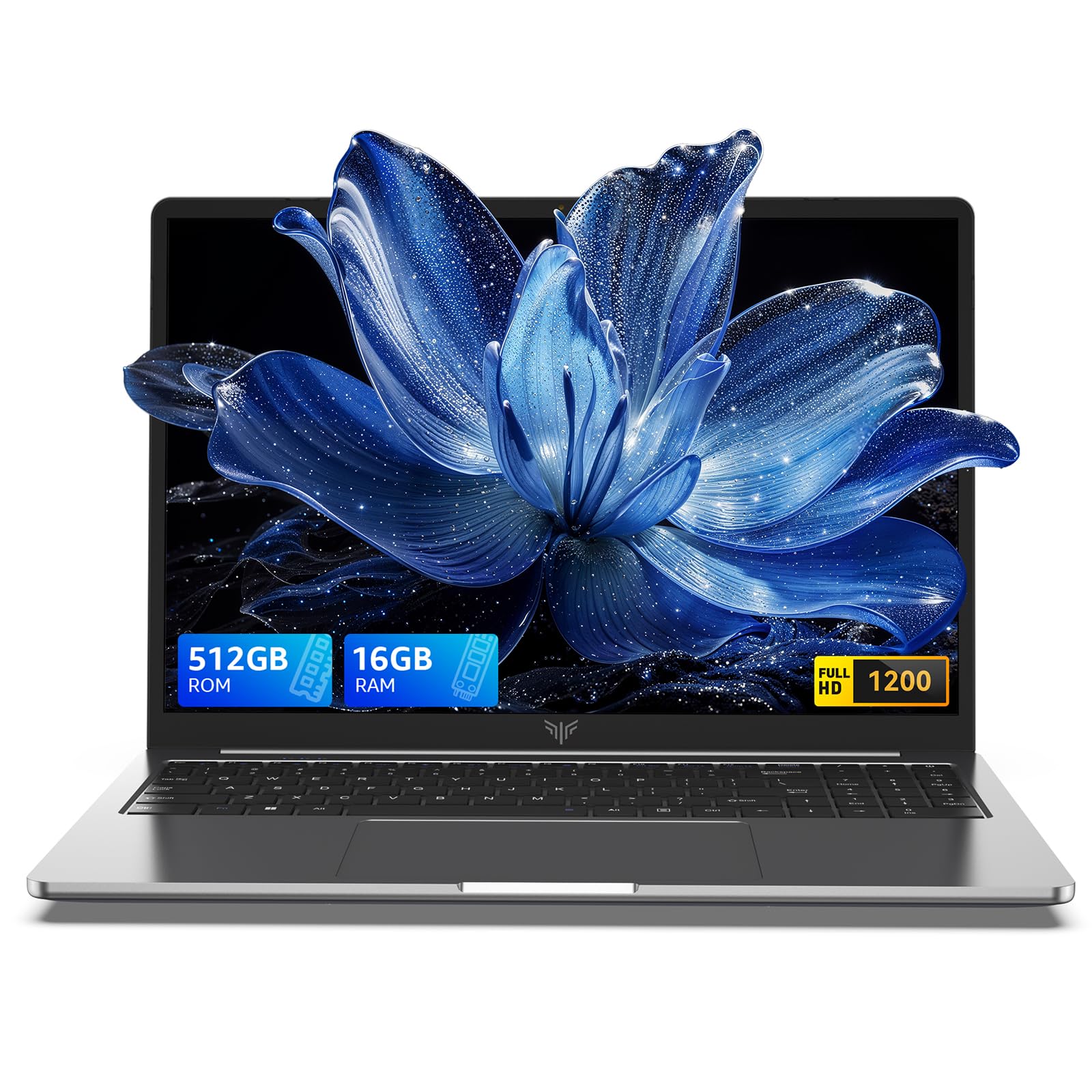
2025 Laptop,15.6-Inch FHD Display Laptop with Quad Core-12th Alder Lake N95(Up to 3.4GHz), 16GB RAM 512GB ROM Traditional Laptop Computer,Silver
  • Brand: ACEMAGIC
  • Model: AX15
  • Screen: 15.6 Inches Inches
  • Processor: AMD
  • GPU: Integrated
  • RAM: DDR4
  • Storage: 512 GB 512GB M.2 SATA SSD
Recent Reviews
Empress Abiona (Verified Purchase)
5.0 out of 5 stars BUY IT

Amaaaaazinggly big interface, I LOVE this laptop. Works super fast, Perfect for work/ Making music/ Day to day tasks and hobbies. Amazing HD screen and audio . 10/10

dawn (Verified Purchase)
5.0 out of 5 stars Great Purchase

I love my new laptop. It was so easy to set up. The 17-inch screen is wonderful, as well as the full keyboard. The mouse pad is nice and big, and the price was excellent. So glad I made this purchase.

$1499.99
1 reviews
2025 Laptop, Laptop Computer with Intel Twin Lake N150 Processor(Up to 3.6GHz), 16GB DDR4 512GB SSD Windows 11 Laptop, 15.6" IPS 1080P, USB3.2, Long Battery Life
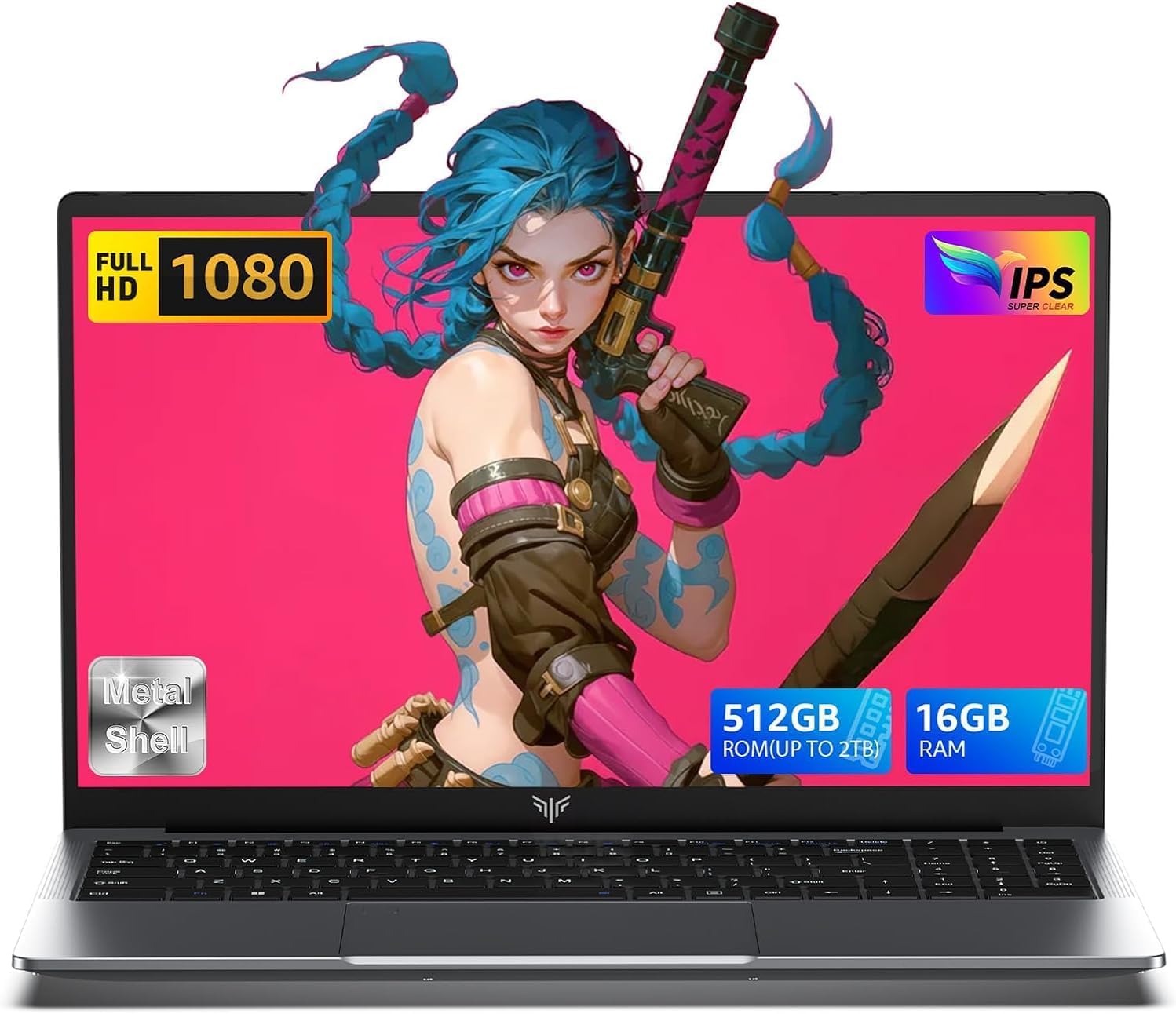
  • Brand: ACEMAGIC
  • Model: TX15
  • Screen: 15.6 Inches Inches
  • Processor: Intel
  • GPU: Intel UHD Graphics Up to 1.2GHz
  • RAM: DDR4
  • Storage: 512 GB SSD
Recent Reviews
Lori Middleton
5.0 out of 5 stars Stunning Display

The 16-inch IPS screen delivers vibrant colors and sharp details, enhancing the gaming and viewing experience significantly.