1 of selected
Back to All Laptops

Customer Reviews

4.2
Based on 65 reviews
Wilson Score: 73.2
5 ★
66%
4 ★
23%
3 ★
7%
2 ★
2%
1 ★
2%

Recent Reviews

Verified Purchase
4/1/2025
5.0 out of 5 stars Excellent quality, no stylus included, non-upgradeable storage, and interesting port arrangement.
By GLaDOS
- Overall I am pleased with this chromebook. The screen is nice and bright, battery life is good, the build quality is superb, the speakers are nice and loud (though the bass is lacking in my opinion). In terms of performance I would compare it to a mid-tier android tablet, it can be bogged down if you push the limits with something demanding, but for day to day things it functions quite well.- I find the arrangement for the 2 USB-C ports odd (one is on the top, and one is on the left side). But in using the device it's actually proving quite nice as when the device is in almost any orientation charging the device or plugging in peripherals is out of the way.- The tablet doesn't come with a stylus (and while it is stated in the description, I admittedly had a hard time finding it. But the tablet does support Lenovo's USI stylus (though I don't know if it uses the USI or USI2 variant).- Unlike every Chromebook I have ever seen this unit does NOT have an SD Card slot, so it if you (like me) use up your storage quickly be careful about which storage option you choose.In terms of design I must admit this chromebook makes me think of a drastically improved surface go. It's a little larger, a lot more powerful (keeping in mind that processing power needs are different for windows/chromeOS) and it's got a type cover.As far as the type cover goes, it's quite serviceable though I find myself not a fan of the touchpad. The cover magnetically attaches just like with a Microsoft Surface or iPad and functions reliably. I have also found that flipping the cover back it magnetically attaches to the back of the tablet which is absolutely awesome. Alternatively you can separate it from the tablet completely.The kickstand is actually a magnetic back plate which holds quite securely but can also be separated for those times you don't want it.
47 people found this helpful
Verified Purchase
11/28/2025
5.0 out of 5 stars Everything U Need To Know!:)
By Sinny
An Amazing Device, Lightweight yet durable But Not Your Average Laptop: Understanding the Chromebook Duet​The Lenovo Chromebook Duet Gen 9 is a great device a truly excellent piece of kit, I must say. When I was told it was somewhat different from a traditional laptop, I didn't quite grasp the full extent of the difference, but having now purchased it, I've come to a firm conclusion about what those differences are.​While it is superb, there are a few things to note for anyone used to a standard laptop keyboard:​No Caps Lock: There isn't a dedicated Caps Lock key like on a regular keyboard.​Touchpad 'Right-Click': You won't find a conventional right-click button. To perform this function using the touchpad, you need to double-tap with both fingers instead.​Missing Delete Key: There is no dedicated Delete button on the keyboard, meaning familiar shortcuts must be performed in a different manner.​Because of these differences, you'll need to learn or become much more familiar with keyboard shortcuts to manoeuvre around different pages and sites. This is a bit of a learning curve, which can be quite fun if you're keen on shortcuts, though perhaps less so if you're not!​Versatility and Value: Why the Duet Stands Out​Setting up the Duet was simply magic, operating almost like the click of a button—fast and effortless. This ease of use ties perfectly into the Google ecosystem. With Google being the main operating system, backing up anything from an old device, or moving data from this Duet to a future device, is reassuringly simple and seamless. This process already looks far easier than with my old tablet keyboard kind of laptop.​The device itself is fantastic because it works great as both a laptop and a tablet. In fact, it has successfully replaced my old tablet keyboard kind of laptop, which I was very attached to! The Duet is very similar in shape and feel to that device, but it is arguably a better device and was certainly cheaper than the newest upgrade to that kind of laptop.​If your primary usage is watching YouTube, connecting to your Bluetooth speaker for music and videos, Google searching, and playing light games from the Google Play Store, this is the perfect option for you. It's also great for drawing or writing out notes by hand because it can effortlessly turn those handwritten notes into text documents. If you love Google as a browser engine and enjoy the look and feel of how the Google ecosystem works, this device is a fantastic fit.​In terms of value, this is your best, cheapest bet for similar functionality. If you are not looking to spend thousands or even a thousand on a new laptop or a more formidable tablet keyboard kind of laptop, this is a great upgrade that offers the same core functionality without the hefty price tag.​A quick note on gaming: Some games you find in the Google Play Store are designed specifically for the standard phone format, so they may not look terribly great on the larger screen here. On a much brighter note, it does come with a built-in camera privacy cover, which is awfully convenient and means you don't have to bother buying an additional accessory!​The Stylus Situation​If, like me, you purchased a stylus pen separately as an addition to this device, be warned about the magnet. While it's lovely to have the function of the pen sticking to the back of the Chromebook so you don't misplace it when it's stationary, the magnet itself is simply not very strong. If you pick up your Chromebook with the pen attached, it will come tumbling off. Expecting it to stay put like a fridge magnet while you're either walking around or even just picking it up for a quick second is definitely not the case. If you intend to carry the stylus around, you will certainly need to invest in a case with a dedicated pen holder.​A Word of Warning on Accessories​Do be warned that the accessories for this particular device are very specifically fitted. If you're like me and assume that accessories for a similar-sized device might fit, be cautious! A mere few millimetres' difference will absolutely make all the difference. You are much better off purchasing accessories that specifically state they are for the Lenovo Duet Chromebook Gen 9 rather than something in a similar category, otherwise, you'll likely find yourself returning and exchanging things.
27 people found this helpful

Frequently Asked Questions

What is the actual processor model and speed in this Chromebook?
The laptop uses a MediaTek Kompanio 828 processor with a clock speed of 2.6 GHz. The marketing copy mentions the Kompanio 838, but the detailed specifications list the Kompanio 828.
How much usable storage space is available on the 64GB SSD?
The total storage is 64 GB SSD. However, the ChromeOS operating system and pre-installed software will occupy a portion of this, so the actual free space for user files will be less.
Is the included keyboard a physical attachment or part of the device?
The keyboard is a separate folio-style accessory that is included with the device, as indicated by references to the 'folio keyboard' and 'soft folio stand' in the product description.
What type of Wi-Fi does this Chromebook support?
It supports 802.11n Wi-Fi, as specified in the product details. This is an older wireless standard compared to Wi-Fi 5 (802.11ac) or Wi-Fi 6 (802.11ax).
What are the physical dimensions and weight for portability?
The device measures 10.05 x 6.57 x 0.3 inches and weighs 1.12 pounds, making it extremely thin and light for easy portability.

Similar Laptops You Might Like

$399.99
17 reviews
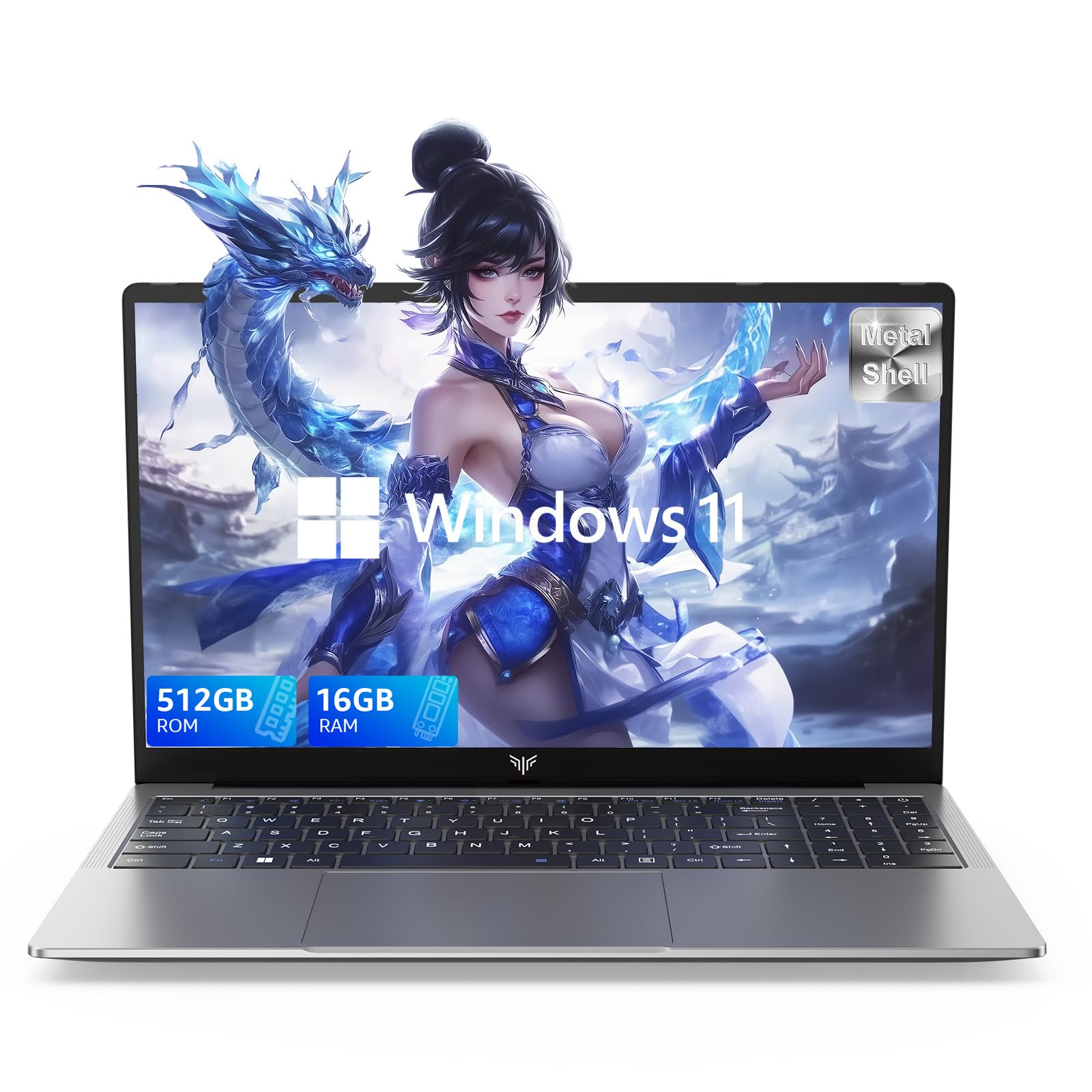
Laptop, 15.6" Business Student Laptop Computer, Intel Quad-Core Processor Windows 11 Laptop, 16GB DDR4 512GB SSD, Up to 2TB,180° Open Angle, Metal Shell, WiFi, USB3.2, Type C
  • Brand: ACEMAGIC
  • Model: AX15
  • Screen: 15.6 Inches Inches
  • Processor: Intel
  • GPU: Intel UHD Graphics Up to 1.2GHz
  • RAM: DDR4
  • Storage: 512 GB SSD
Recent Reviews
David JB (Verified Purchase)
5.0 out of 5 stars 5 stars

great laptop for the price. The 16GB RAM and 512GB ssd provide smooth performance and the 180° hinge is a nice touch. Windows 11 runs well, and the sleek Silver Gray design looks premium. Highly recommend!

3whitey (Verified Purchase)
1.0 out of 5 stars Crashed

Laptop crashed with only a few days of use.I don’t find any warranty information

$249.99
15 reviews
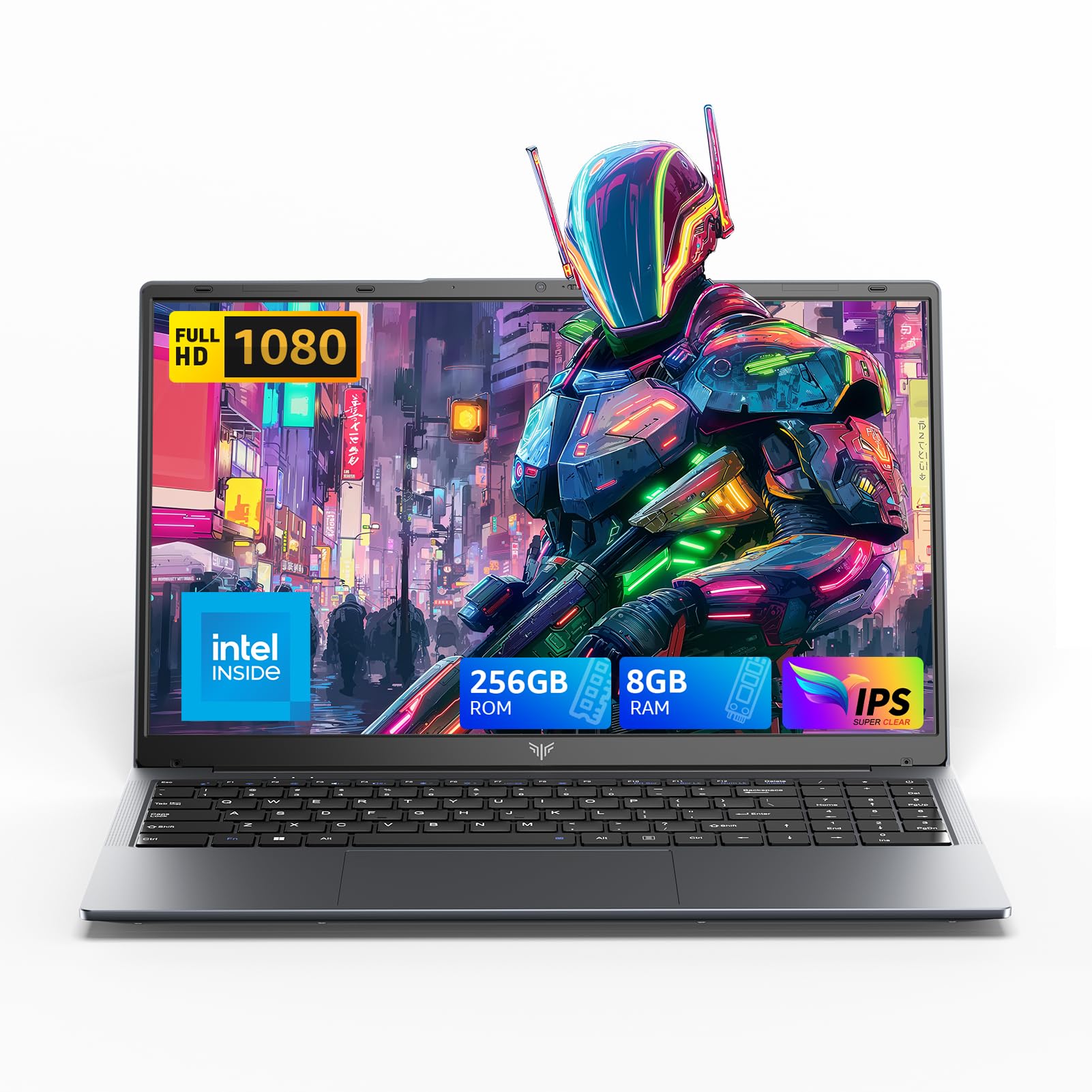
2025 LX15 Laptop, 15.6-inch FHD (1920 x 1080) Display, Ιntel N197(4C/4T) Processor, 8GB DDR4 RAM, 256GB SSD, WiFi5, BT5.0, 38Wh Battery, Gray
  • Brand: ACEMAGIC
  • Model: LX15
  • Screen: 15.6 Inches Inches
  • Processor: Ιntel
  • GPU: Integrated
  • RAM: DDR4
  • Storage: 256 GB SSD
Recent Reviews
Nicholas (Verified Purchase)
5.0 out of 5 stars Rocky setup, but end result was worth it

The media could not be loaded. When I first booted this laptop up, it presented me with a "defaultuser0" account that I didn't know the password to. I completely wiped this laptop's SSD and reinstalled Windows to play it safe, and after that it worked like a charm with regular setup. I did have to find drivers online for the touchpad afterward though.Getting at the SSD to do all of this was thankfully pretty easy, since the bottom panel was removable with a few tiny screws. I noticed that there is only a single slot for RAM in there, but it isn't soldered on so I was able to upgrade it with a 16 gig stick at least. The N97 is no gaming powerhouse but it plays some older titles still, and the laptop works great for work like emails and browsing the internet.

Romaine (Verified Purchase)
4.0 out of 5 stars Good Stuff

Its good runs fast and has space, works for school