1 of selected
Back to All Laptops

Customer Reviews

4.2
Based on 188 reviews
Wilson Score: 78.1
5 ★
66%
4 ★
23%
3 ★
7%
2 ★
2%
1 ★
2%

Recent Reviews

Verified Purchase
8/27/2019
5.0 out of 5 stars Perfect laptop/notebook for the person on a budget!
By Whovian
I love my HP Chromebook!!! A fantastic buy! Chrome as an OS is awesome. It's like my android phone turned laptop. Exactly what I had hoped it would be. The battery life is amazing, if I am just casually using it, it will take two to three days for me to get the battery down below 10%. I video chatted on it for 4+ hours straight, and still had battery life over 30%. I have had no issues at all with mine, and it has been over 3 weeks using almost daily.I use mine for light work such as making memes, playing games, blogging, social media, email, and the similar. I find it has a great amount of space on it, especially since I can save and pull from my Google Drive. A really great product.In my pictures the keyboard does have a rose gold keyboard protector on it, and I am so glad I made sure to get one because day one I got crumbs dropped on it. Easy clean up and no stuck food in my keys!There are no disc drives, plenty of USB ports and for memory cards. Great sound too I must add. I just love it and would recommend it to anyone in the market with a tight budget. (I thought about buying refurbished, but ultimately I felt the price difference wasn't enough for me to risk it, and I bought brand new. I am pleased, very pleased.
8 people found this helpful
Verified Purchase
10/11/2025
5.0 out of 5 stars Lightweight and powerful
By Susan
I'm very happy with this laptop. I bought it to replace a much larger bulkier one that I had for years. It's lightweight and has all the power that I need. It is also very nice looking. I bought it on Prime day so the price was great. It was also bundled with some pretty nice extras.
1 people found this helpful

Frequently Asked Questions

What is the actual screen size and resolution?
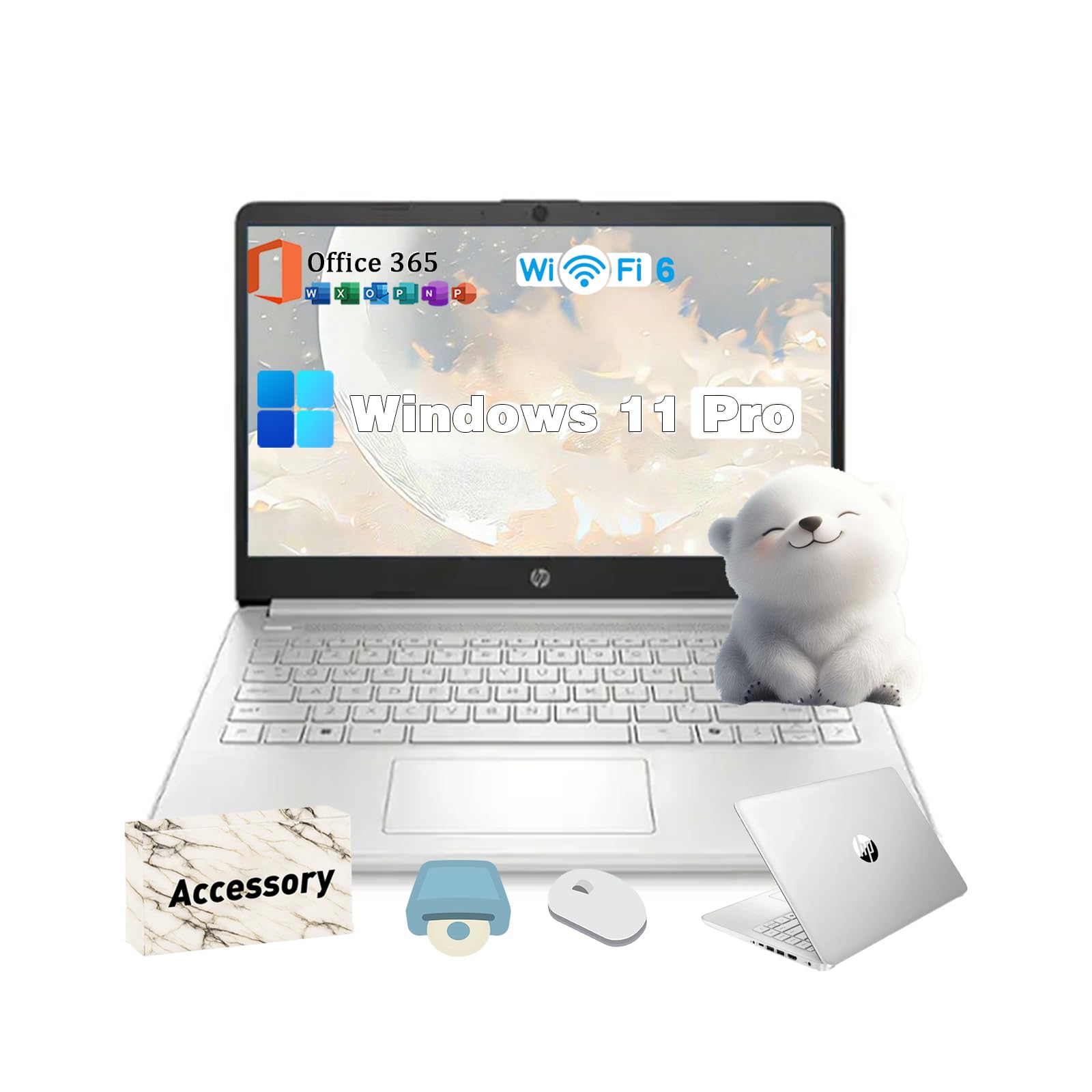
The laptop has a 14-inch screen with an HD resolution of 1366 x 768 pixels.
What specific Intel processor does this model use?
It uses an Intel Celeron N-Series quad-core processor with a maximum speed of 3.6 GHz, specifically the N150 model.
Is the storage a traditional SSD or UFS, and how much RAM is installed?
The storage is a 128GB UFS (Universal Flash Storage) drive, and the system has 16GB of DDR4 RAM installed.
What is included with the Windows 11 Pro installation?
The laptop comes with a 1-year subscription to Microsoft Office 365 pre-installed alongside Windows 11 Pro.
Why might the manufacturer's box be opened before delivery?
The original seal may be opened by the seller to perform upgrades, testing, and inspection to ensure the laptop meets the advertised specifications, such as the 16GB RAM and 128GB UFS storage.

Similar Laptops You Might Like

$399.99
17 reviews
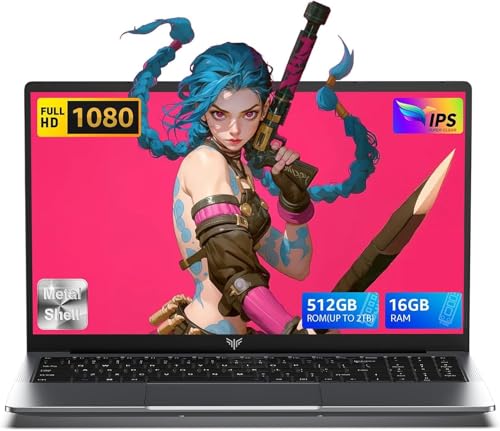
Laptop, 15.6" Business Student Laptop Computer, Intel Quad-Core Processor Windows 11 Laptop, 16GB DDR4 512GB SSD, Up to 2TB,180° Open Angle, Metal Shell, WiFi, USB3.2, Type C
  • Brand: ACEMAGIC
  • Model: AX15
  • Screen: 15.6 Inches Inches
  • Processor: Intel
  • GPU: Intel UHD Graphics Up to 1.2GHz
  • RAM: DDR4
  • Storage: 512 GB SSD
Recent Reviews
David JB (Verified Purchase)
5.0 out of 5 stars 5 stars

great laptop for the price. The 16GB RAM and 512GB ssd provide smooth performance and the 180° hinge is a nice touch. Windows 11 runs well, and the sleek Silver Gray design looks premium. Highly recommend!

3whitey (Verified Purchase)
1.0 out of 5 stars Crashed

Laptop crashed with only a few days of use.I don’t find any warranty information

$249.99
15 reviews
2025 LX15 Laptop, 15.6-inch FHD (1920 x 1080) Display, Ιntel N197(4C/4T) Processor, 8GB DDR4 RAM, 256GB SSD, WiFi5, BT5.0, 38Wh Battery, Gray
  • Brand: ACEMAGIC
  • Model: LX15
  • Screen: 15.6 Inches Inches
  • Processor: Ιntel
  • GPU: Integrated
  • RAM: DDR4
  • Storage: 256 GB SSD
Recent Reviews
Nicholas (Verified Purchase)
5.0 out of 5 stars Rocky setup, but end result was worth it

The media could not be loaded. When I first booted this laptop up, it presented me with a "defaultuser0" account that I didn't know the password to. I completely wiped this laptop's SSD and reinstalled Windows to play it safe, and after that it worked like a charm with regular setup. I did have to find drivers online for the touchpad afterward though.Getting at the SSD to do all of this was thankfully pretty easy, since the bottom panel was removable with a few tiny screws. I noticed that there is only a single slot for RAM in there, but it isn't soldered on so I was able to upgrade it with a 16 gig stick at least. The N97 is no gaming powerhouse but it plays some older titles still, and the laptop works great for work like emails and browsing the internet.

Romaine (Verified Purchase)
4.0 out of 5 stars Good Stuff

Its good runs fast and has space, works for school