1 of selected
Back to All Laptops

Customer Reviews

4.2
Based on 337 reviews
Wilson Score: 79.7
5 ★
66%
4 ★
23%
3 ★
7%
2 ★
2%
1 ★
2%

Recent Reviews

Verified Purchase
12/18/2025
5.0 out of 5 stars Excellent refurbish! No problems thus far.
By Double D
I purchased one of these for Ma for Christmas. I insisted that she open it early, due to the fact that her old one's screen was quite damaged. She set down her purse on the laptop too firmly and heavily damaged the top-left portion of the screen. I didn't want her to have to look at that terrible mess any longer.This was a considerable upgrade from her previous laptop. i5 quad core (Whiskey Lake) vs i5. dual core (Sky Lake), 32GB RAM vs. 16GB RAM, Windows 11 vs. Windows 10 and 1TB internal storage vs. 128GB internal storage. We both noticed that the Dell is significantly faster/more responsive and she approves of Windows 11 with which the HP was incompatible. She doesn't game, but it does everything she needs it to do. Screen quality — flawless. Straightforward and easy for her to use after I configured/set-up the operating system and installed drivers and software.I recommended battery optimization, which I performed (instructions included). Everything seems to function well. I've purchased refurbished computers/hardware in the past, and I've never been disappointed — nonetheless here.
3 people found this helpful
Verified Purchase
1/16/2026
1.0 out of 5 stars Virus :/
By Logan Mortimer
Buying a refurbished laptop, I had an idea of what I would be getting into. This was meant to be an upgrade away from what I had, although my original plan was to upgrade to a new machine, I felt this sufficed in the meantime.Main qualm: It arrived with a virus. Expiro is one hell of a virus, at that. I was frustrated that Defender only told me once I had Discord and Steam installed and logged in. I did download these from the official sources. Before I even did that, I tried updating the machine, and all of the updates, except for the security one, went through. I tried to fix it to make it update but gave up on trying after a few hours, hoping it would just fix itself in a few days or I'd try again. How funny. As well, I had plugged a USB storage drive into it. I had been offloading some stuff from my current laptop onto it to save space. Now I worry about not being able to get the stuff off the storage.There were other things I was willing to put up with about the laptop: The keyboard was German QWERTZ layout. It was easy enough to set it to map to QWERTY, Windows handles that easily. I could not type capital C with the left or right shift key, only by using caps lock. I also could not type capital D, E, or # with the left shift, having to opt for right shift or caps lock for them instead. Using Linux Mint with the pointing stick left was jittery compared to how smooth it was on Windows, but I leave that up to firmware/OS compatibility. The battery drained faster than I was hoping, but again, refurbished, I was willing to put up with it.Other things about it were fine. No touch screen, which was fine by me. It's bigger than my still current laptop, which is a benefit and drawback at the same time, I prefer something easier to carry around. The laptop looked otherwise fine.I gave this 1 star because of the virus. These other issues were something that I knew I might have to deal with when I ordered it. The only one that really surprised me was the QWERTZ keyboard, wasn't expecting to see that, but not much of an issue. I will take this like a sign and hold off for now on upgrading until I'm in a more stable spot.
2 people found this helpful

Frequently Asked Questions

What is the condition of this laptop, and what warranty does it come with?
This is a Certified Refurbished Dell Latitude 5400. It has been tested, cleaned, and certified to function like new, and it ships with all accessories and a minimum 90-day warranty.
How fast is the processor in this configuration?
The laptop is equipped with an Intel Core i5-8265U quad-core processor with a base speed of 1.6 GHz that can increase up to 3.9 GHz using Intel Turbo Boost technology.
What type of storage does this laptop use, and how much is included?
It features a 1TB M.2 NVMe Solid State Drive (SSD), which provides fast system responsiveness and ample storage capacity in a modern form factor.
What are the exact screen size and resolution?
The laptop has a 14-inch screen with a Full HD (1920 x 1080 pixel) resolution, which is an LED-backlit, non-touch display.
What connectivity ports are available on this model?
Connectivity includes Wi-Fi (802.11ac), Bluetooth, three USB 3.1 ports, an HDMI port, a Thunderbolt port, and an integrated webcam.

Similar Laptops You Might Like

$399.99
17 reviews
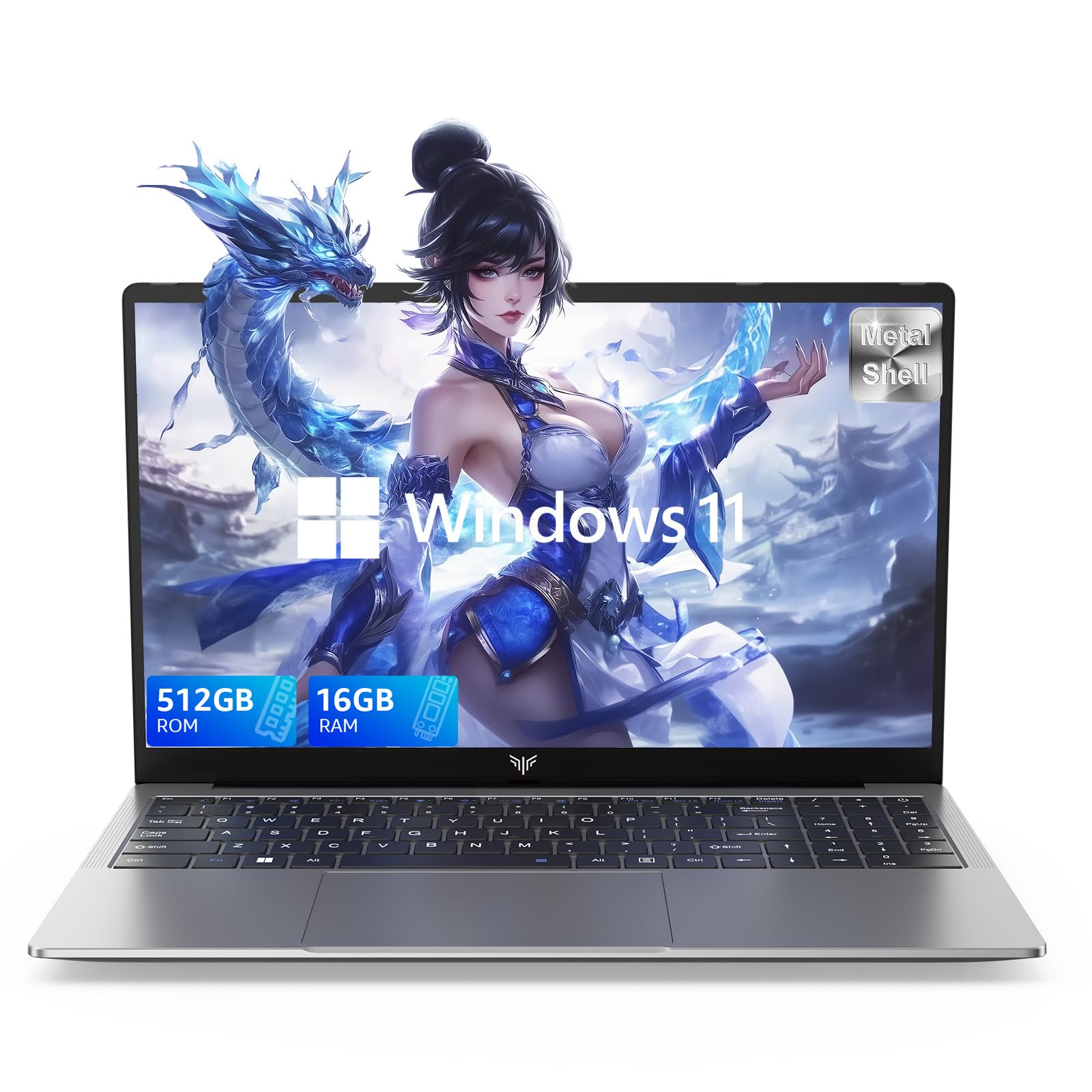
Laptop, 15.6" Business Student Laptop Computer, Intel Quad-Core Processor Windows 11 Laptop, 16GB DDR4 512GB SSD, Up to 2TB,180° Open Angle, Metal Shell, WiFi, USB3.2, Type C
  • Brand: ACEMAGIC
  • Model: AX15
  • Screen: 15.6 Inches Inches
  • Processor: Intel
  • GPU: Intel UHD Graphics Up to 1.2GHz
  • RAM: DDR4
  • Storage: 512 GB SSD
Recent Reviews
David JB (Verified Purchase)
5.0 out of 5 stars 5 stars

great laptop for the price. The 16GB RAM and 512GB ssd provide smooth performance and the 180° hinge is a nice touch. Windows 11 runs well, and the sleek Silver Gray design looks premium. Highly recommend!

3whitey (Verified Purchase)
1.0 out of 5 stars Crashed

Laptop crashed with only a few days of use.I don’t find any warranty information
$249.99
15 reviews
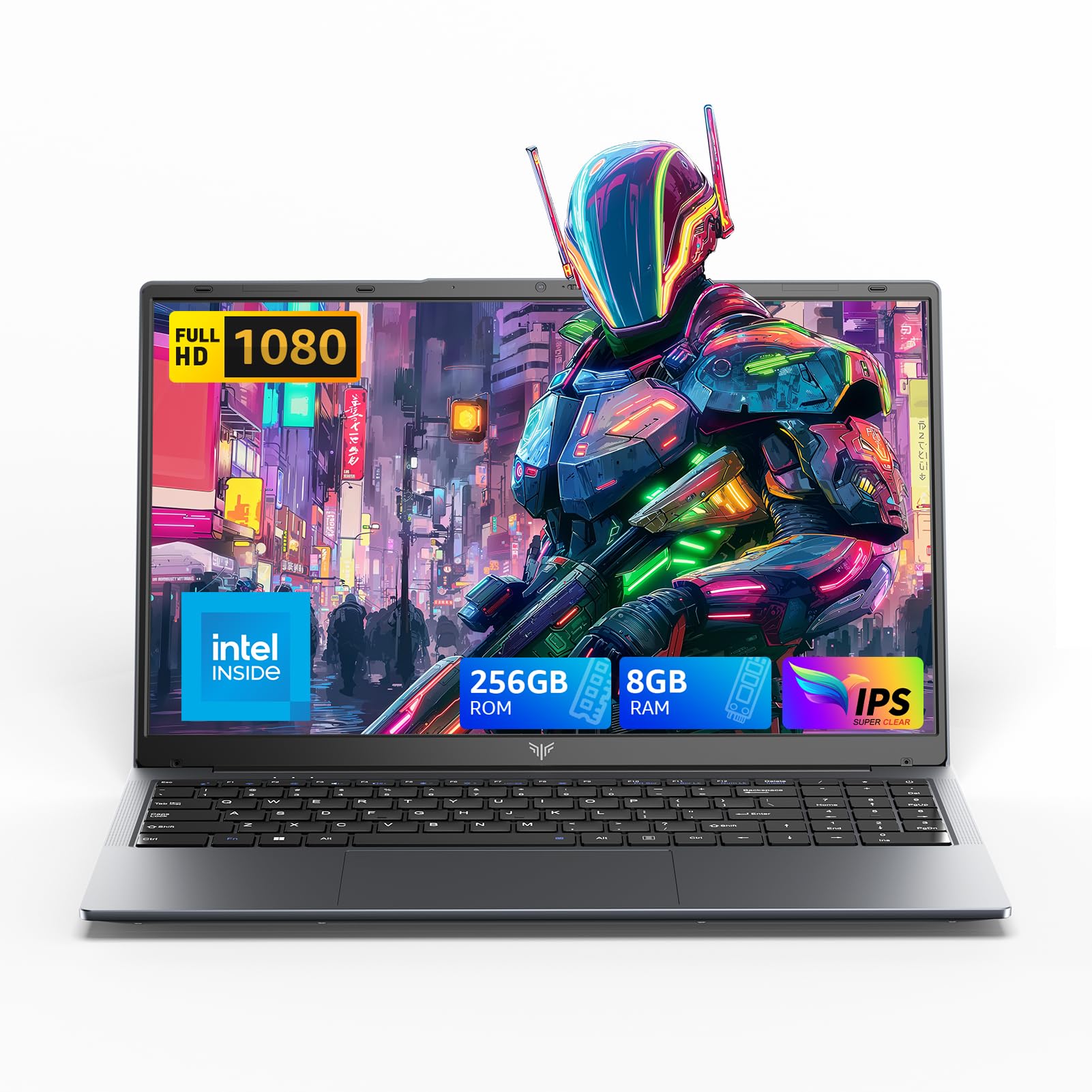
2025 LX15 Laptop, 15.6-inch FHD (1920 x 1080) Display, Ιntel N197(4C/4T) Processor, 8GB DDR4 RAM, 256GB SSD, WiFi5, BT5.0, 38Wh Battery, Gray
  • Brand: ACEMAGIC
  • Model: LX15
  • Screen: 15.6 Inches Inches
  • Processor: Ιntel
  • GPU: Integrated
  • RAM: DDR4
  • Storage: 256 GB SSD
Recent Reviews
Nicholas (Verified Purchase)
5.0 out of 5 stars Rocky setup, but end result was worth it

The media could not be loaded. When I first booted this laptop up, it presented me with a "defaultuser0" account that I didn't know the password to. I completely wiped this laptop's SSD and reinstalled Windows to play it safe, and after that it worked like a charm with regular setup. I did have to find drivers online for the touchpad afterward though.Getting at the SSD to do all of this was thankfully pretty easy, since the bottom panel was removable with a few tiny screws. I noticed that there is only a single slot for RAM in there, but it isn't soldered on so I was able to upgrade it with a 16 gig stick at least. The N97 is no gaming powerhouse but it plays some older titles still, and the laptop works great for work like emails and browsing the internet.

Romaine (Verified Purchase)
4.0 out of 5 stars Good Stuff

Its good runs fast and has space, works for school