1 of selected
Back to All Laptops

Customer Reviews

3.7
Based on 15 reviews
Wilson Score: 48.7
5 ★
66%
4 ★
23%
3 ★
7%
2 ★
2%
1 ★
2%

Recent Reviews

Verified Purchase
1/25/2023
3.0 out of 5 stars Good looking Chromebook, but I am sending it back. You might not.
By M. A.
This is a very good looking Chromebook. The build, while on the heavy side, feels very premium and well manufactured.ChromeOS seems to run quite well and blew away my older chromebook in benchmarks.The keyboard feels amazing, but is the annoying light gray that ASUS likes to use that can make the keyboard almost impossible to read with backlight on and in certain lighting conditions. It's easy enough to toggle that on or off, and with this being a "gamer" keyboard, some of the other colors that you can select were not as bad as white, but with the black text on the gray keycaps it's just not as easy to read as white text on keycaps.The reason I'm returning the Chromebook is because I experienced audio issues throughout the few weeks that I've had it. The device just wouldn't output audio until restarted. ChromeOS is fully up-to-date and it also reported all firmware was current. The audio issues happened on-device and also while casting to a TV. In each instance, restarting resolved it and the audio worked as expected.If this wasn't a premium priced Chromebook, I might have lived with that annoyance, but at this price point, I'd expect the basics to work without issue.There's a chance I had a bad unit, or that it will get fixed eventually with software, but at this time, and at this price point, that wasn't something I wanted to risk on waiting for with the return window closing.
30 people found this helpful
Verified Purchase
2/16/2023
5.0 out of 5 stars Solid for general productivity or casual gaming. Big value if you want both in one platform.
By Danny R.
Purchased primarily as a work laptop with the option for streaming games during downtime between classes. (I teach and drive around between locations)Pros:Sturdy, stylish, and the garaged stylus is convenient. The 144hz display is perhaps overkill and likely accounts for a fair bit of the price tag that I'd personally prefer to have seen invested in all-aluminum construction or a better webcam.Chrome OS is a solid platform for general purpose productivity. The hardware is more than sufficient to keep the experience smooth and snappy. The garaged stylus is automatically charged, which is a major improvement over my previous experience of having to recharge my old bamboo stylus every time I wanted to use it because I couldn't be bothered to remember charging it.The core gimmick of the thing is cloud gaming, and I was pleasantly surprised to find it's a perfectly pleasant experience. The libraries on these services (Amazon Luna, GForce Now) are limited, but growing. I find the niche they occupy to be providing a solid casual gaming experience on the road, rather than being a serious competitor for a desktop gaming PC. I could see that assessment changing very rapidly if their libraries grow to rival steam.Build quality is solid. The plastic components are finished in a grippy texture and are sturdy enough to feel like it earns the premium price point. Would prefer an all-aluminum construction.Indifferent:Audio is great (for a laptop), but that's kind of a moot point for me. I'd consider it poor form to use anything but headphones in a public space, and I've got a desktop for home use.Cons:There's a weird bump on the "d" key that annoys me constantly despite being of precisely zero consequence. Probably a minor manufacturing defect.
11 people found this helpful

Frequently Asked Questions

What specific cloud gaming platforms can I use with this Chromebook?
This laptop is optimized for access to NVIDIA GeForce NOW, Amazon Luna, and Xbox Cloud Gaming, as stated in the product description.
Does the included stylus need to be charged or paired separately?
The stylus is garaged within the laptop body, and the product details do not mention any batteries or pairing requirements, suggesting it's a passive stylus that does not require charging.
What are the exact video output capabilities of the USB-C ports?
According to the bullet points, the two USB 3.2 Gen 2 Type-C ports support both display output and power delivery.
Is the 256GB SSD storage user-upgradeable?
The specifications list the storage as a 256 GB M.2 NVMe PCIe 3.0 SSD, which is typically a user-replaceable form factor, but the product details do not explicitly confirm upgradeability.
What is the native aspect ratio of the 14-inch touch display?
The screen has a resolution of 1920 x 1200 pixels, which is a 16:10 aspect ratio, not the more common 16:9.

Similar Laptops You Might Like

$399.99
17 reviews
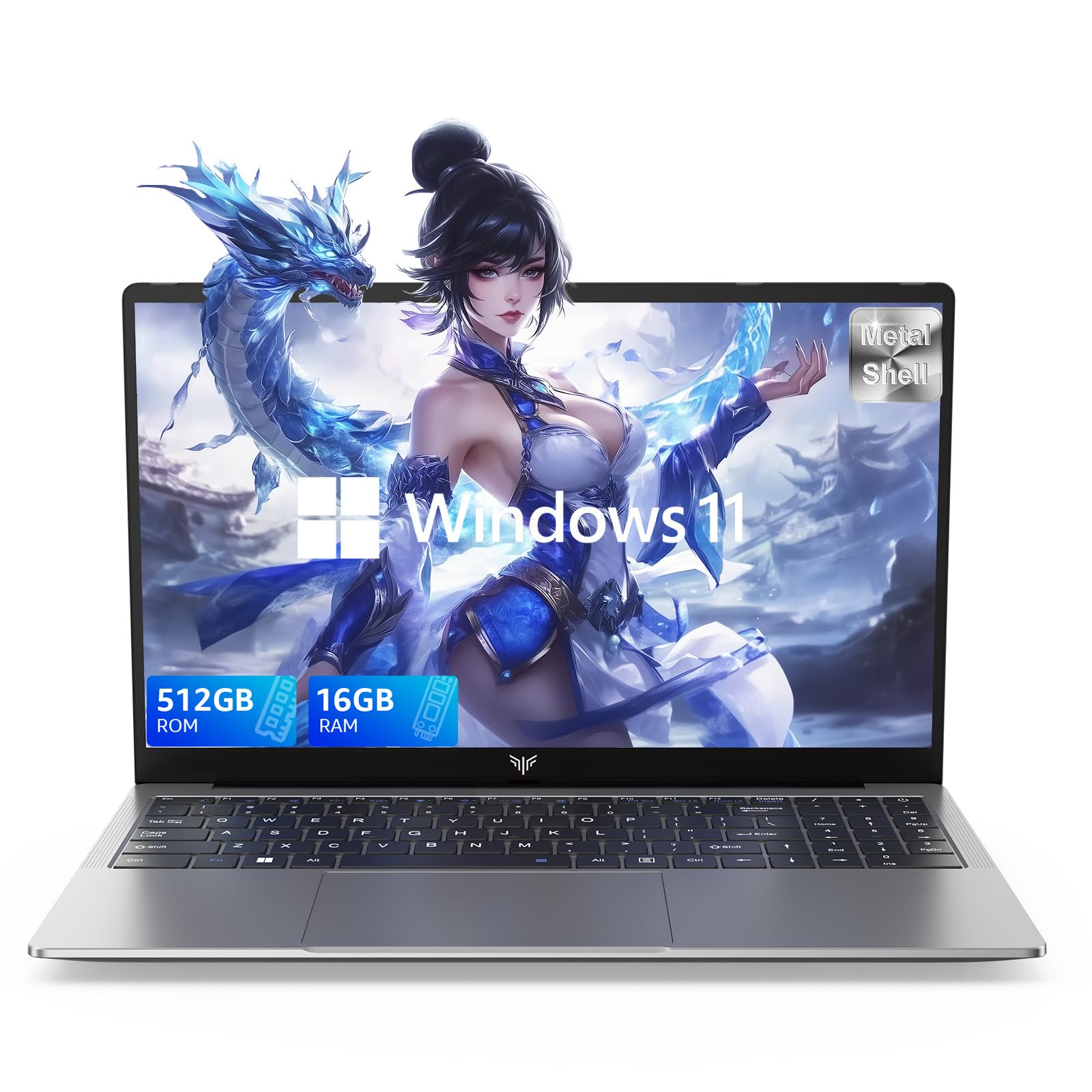
Laptop, 15.6" Business Student Laptop Computer, Intel Quad-Core Processor Windows 11 Laptop, 16GB DDR4 512GB SSD, Up to 2TB,180° Open Angle, Metal Shell, WiFi, USB3.2, Type C
  • Brand: ACEMAGIC
  • Model: AX15
  • Screen: 15.6 Inches Inches
  • Processor: Intel
  • GPU: Intel UHD Graphics Up to 1.2GHz
  • RAM: DDR4
  • Storage: 512 GB SSD
Recent Reviews
David JB (Verified Purchase)
5.0 out of 5 stars 5 stars

great laptop for the price. The 16GB RAM and 512GB ssd provide smooth performance and the 180° hinge is a nice touch. Windows 11 runs well, and the sleek Silver Gray design looks premium. Highly recommend!

3whitey (Verified Purchase)
1.0 out of 5 stars Crashed

Laptop crashed with only a few days of use.I don’t find any warranty information
$249.99
15 reviews
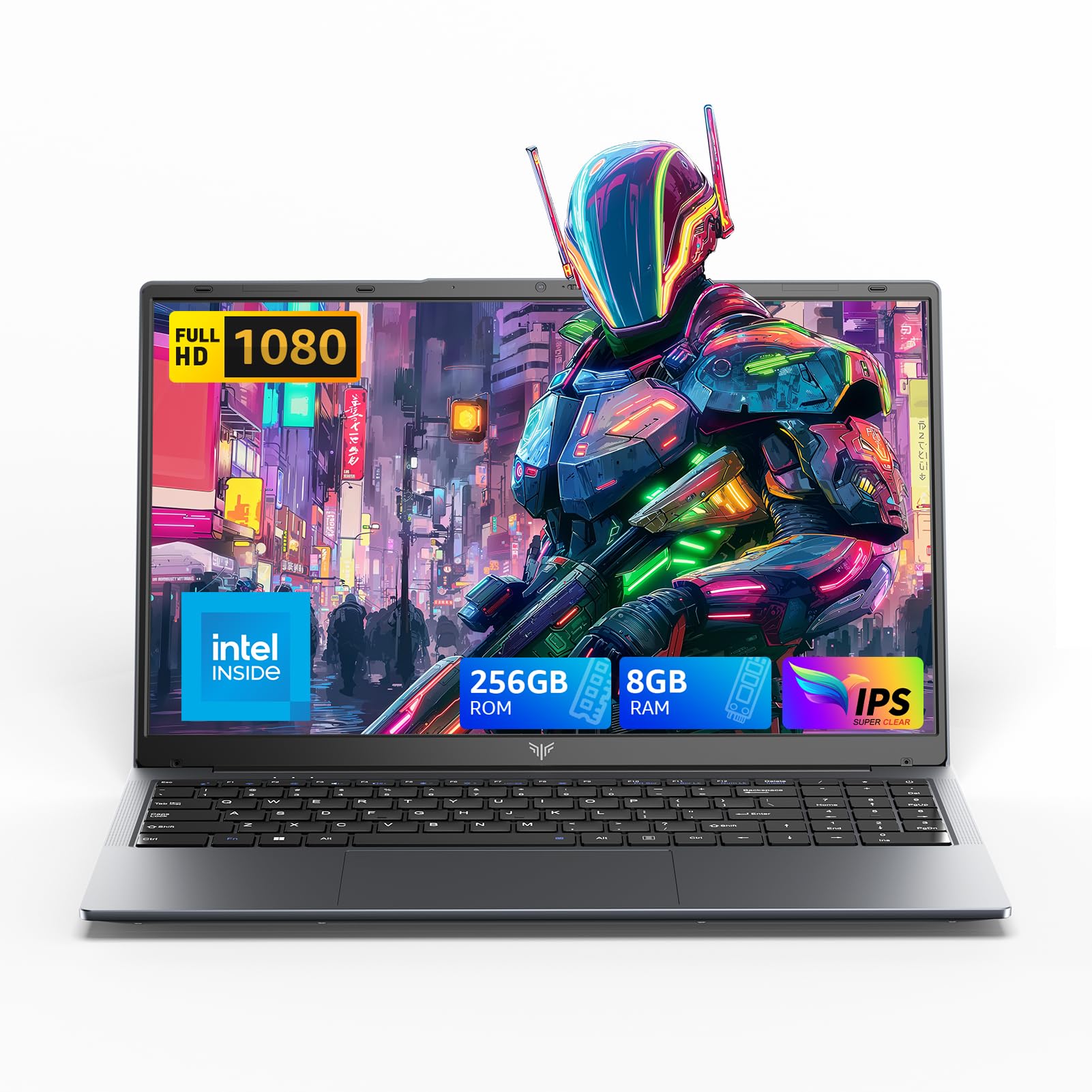
2025 LX15 Laptop, 15.6-inch FHD (1920 x 1080) Display, Ιntel N197(4C/4T) Processor, 8GB DDR4 RAM, 256GB SSD, WiFi5, BT5.0, 38Wh Battery, Gray
  • Brand: ACEMAGIC
  • Model: LX15
  • Screen: 15.6 Inches Inches
  • Processor: Ιntel
  • GPU: Integrated
  • RAM: DDR4
  • Storage: 256 GB SSD
Recent Reviews
Nicholas (Verified Purchase)
5.0 out of 5 stars Rocky setup, but end result was worth it

The media could not be loaded. When I first booted this laptop up, it presented me with a "defaultuser0" account that I didn't know the password to. I completely wiped this laptop's SSD and reinstalled Windows to play it safe, and after that it worked like a charm with regular setup. I did have to find drivers online for the touchpad afterward though.Getting at the SSD to do all of this was thankfully pretty easy, since the bottom panel was removable with a few tiny screws. I noticed that there is only a single slot for RAM in there, but it isn't soldered on so I was able to upgrade it with a 16 gig stick at least. The N97 is no gaming powerhouse but it plays some older titles still, and the laptop works great for work like emails and browsing the internet.

Romaine (Verified Purchase)
4.0 out of 5 stars Good Stuff

Its good runs fast and has space, works for school