1 of selected
Back to All Laptops

Customer Reviews

3.8
Based on 89 reviews
Wilson Score: 66.2
5 ★
66%
4 ★
23%
3 ★
7%
2 ★
2%
1 ★
2%

Recent Reviews

Verified Purchase
10/24/2024
4.0 out of 5 stars Pretty Good But Has Design Flaws
By Jayteebae
Skip to pros and cons below for TLDR!First Chromebook in a long time. The last one I owned was the Google Pixelbook Go and the Pixelbook before that so I'm more interested in the premium market. I'm curious how ChromeOS and the hardware has developed during my hiatus.Software:First, I love the software and UI. As a frequent user of MacOS and Windows, I feel like ChromeOS borrows strengths from both and could become a serious contender... if only Google took this platform seriously.What I mean by this is that progress of the OS has been slow. In less than 30 minutes I've learned every feature that I've missed out on for the last few years and there's nothing new to explore. Yes, I get the OS is supposed to be simplistic and leans itself towards the edu market but Google needs to up the anti if they want to compete with the big dogs.Why isn't there better integration with android or Pixel phones? Example: There's no dedicated android messaging app other than the "web app" which has lag issues and doesn't sync 100% of the time. Why are apps still buggy on intel variants like this? Why aren't there more ARM based offerings by ASUS if most of ChromeOS's apps run better on ARM? Why is Gemini just a web page while the search key still uses assistant? Why is there no gaming or Egpu support? It feels like Google is boxing themselves into a specific niche and are barely innovating at this point. With the birth of their most recent Pixel 9 it's surprising to see them not bolster their ecosystem a bit more.Hardware:Asus makes a great laptop. The frame feels nice, the keys are clicky albeit a bit soft, and the screen is gorgeous. There are just a few weird design flaws I can't get past for this to be an "ExpertBook". The frame of the screen is cheap black plastic and feels jarring against the aluminum body and gray keys. The keycaps have exposed paint where the backlight shines through the border (see image of T and R key). The keys are gray.... gray doesn't work well with white backlights and makes the letters disappear in certain lighting. The camera is atrocious and makes me look washed out....the only saving grace is that my phone camera resaturates the image I have attached.Overall:I like the hardware, the software is beautiful and simple, but I expect more now that a macbook air M2 can be had for the same price. After all these years of laptops using the same materials and designs, the cost of premium Chromebooks should be much lower by now. With the aforementioned sales of the competition, I just can't justify the purchase at this point.Pros-keyboard is nice-screen is bright and gorgeous-fingerprint scanner is fast-touchpad is decent and doesn't wobble. Made of glass.-frame feels nice and weight is light-IO is excellent, 2 USBC, microSD, HDMI, 2 USBA, audio jack-AI goodies of ChromeOS and Google services like Slides, Sheets, Docs, makes this a great laptop for students (if they don't need heavy software)Cons-Keycaps are gray and have paint defects. Hard to read lettering with backlight-Android apps buggy / nonfunctional due to Intel architecture-Screen frame is cheap black plastic and goes against design aesthetic-Camera is awful - low quality and washed out.-Touchpad has limited click range, not haptic-ChromeOS continues to be limited, can't do any serious on-device gaming, graphical work, editing, etc.-Google ecosystem is still lackluster. Needs deeper integration with android / Pixel phones.-Gemini is a web app yet the built in search key uses assistant... inconsistent-Price: You can buy the macbook air m2 for 699 at the time of this review on sale. Hard to justify a premium chromebook with limited software unless you really hate MacOS.
16 people found this helpful
Verified Purchase
8/29/2024
5.0 out of 5 stars Great hardware specs for a chromebook
By AWS910
The price was a bit high for a chromebook, but it is really well-made, and the specs are amazing. It really runs ChromeOS well.My biggest issue was with ChromeOS. It's a decent OS for education, and it's definitely less annoying to use than Windows or OSX. I'm sure it's great for games although I don't really have time for such things these days. The big problem that I have with CrOS is that its flaws really shine when you try to use it in a business setting - one small example is this: If you are the administrator of a g-suite workspace and you sign into your workspace with CrOS, you will not be able to set/use a screensaver... there's no explanation why, and no way to override it. The multiple-desktop is half-baked, but where it falls flat is its "Linux" partition aka Crostini. Yes, it gives you a barebones Linux VM with apt-get and basic graphics integration, but if you use the Linux features a lot, you'll notice that a lot of things just aren't supported(like you cant access the webcam). The desktop integration between the linux vm and ChromeOS is wonky and bare. G is very slow to add new features, and certain things (like webcam support in Crostini) may just never happen - they have a specific direction they want Crostini to go in, and if your use case falls outside of that in any way, you're out in the cold.
2 people found this helpful

Frequently Asked Questions

What specific Intel graphics processor does this Chromebook have, and how much dedicated memory does it have?
It uses Intel Iris Xe Graphics as its integrated graphics coprocessor, which has 64 MB of dedicated graphics RAM.
How many and what type of USB ports are available for connecting peripherals?
There are three USB ports: one USB 3.2 Gen 2 Type-A port and two USB 3.2 Gen 2 Type-C ports that support display output and power delivery.
What is the actual battery life I can expect from this laptop under normal use?
According to the product details, the average battery life is rated for 10 hours.
Does the laptop come with any pre-included subscriptions or trials for cloud gaming services?
Yes, it includes a 3-month membership for the top tier of NVIDIA GeForce NOW and a trial for Amazon Luna Plus at no extra cost, though terms and conditions apply.
Can I use this Chromebook offline, and how is file storage handled?
Yes, it has built-in storage (the 512GB SSD) for offline file access. It also originally included a 12-month trial for additional Google One cloud storage, but that offer was set to expire on January 31, 2023.

Similar Laptops You Might Like

$399.99
17 reviews
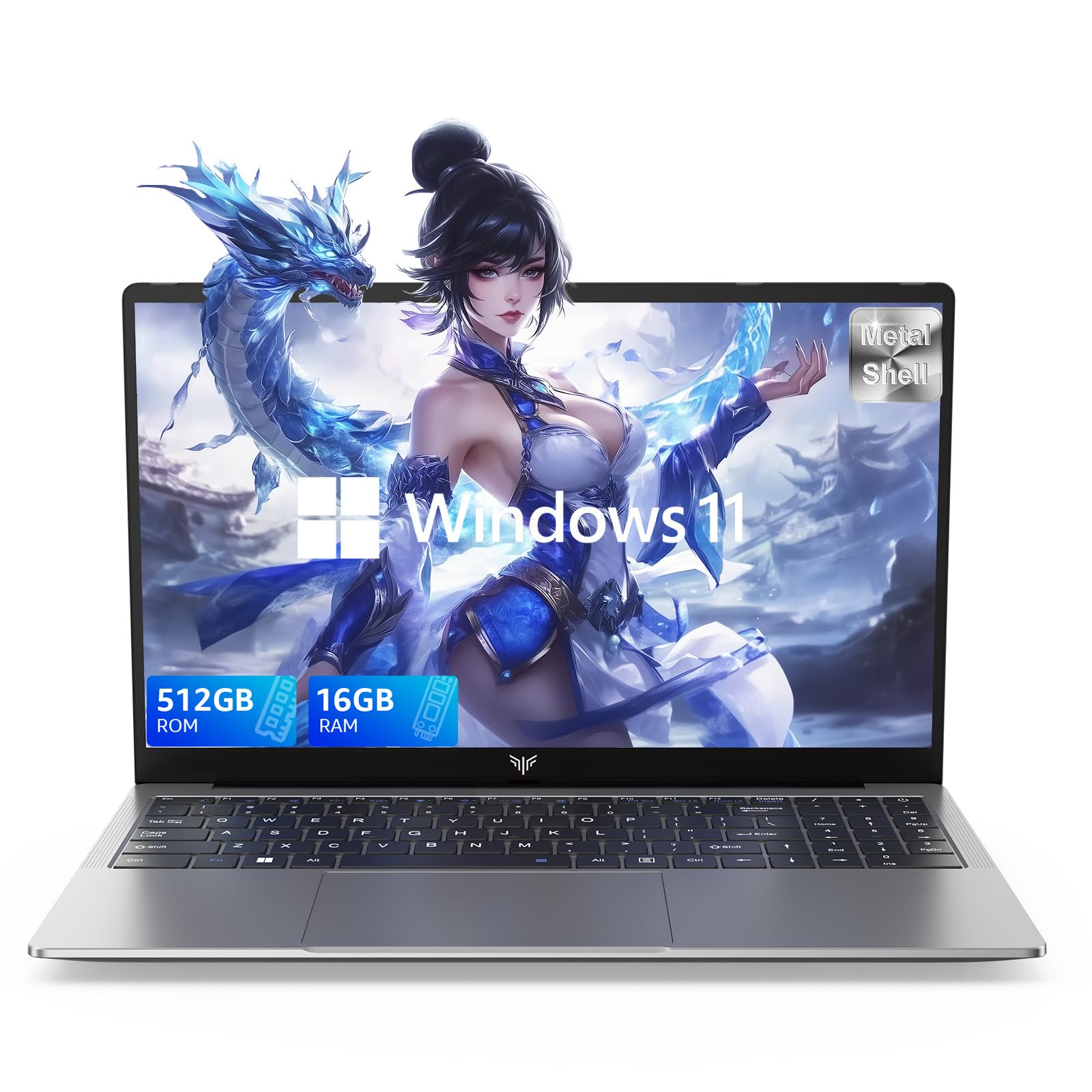
Laptop, 15.6" Business Student Laptop Computer, Intel Quad-Core Processor Windows 11 Laptop, 16GB DDR4 512GB SSD, Up to 2TB,180° Open Angle, Metal Shell, WiFi, USB3.2, Type C
  • Brand: ACEMAGIC
  • Model: AX15
  • Screen: 15.6 Inches Inches
  • Processor: Intel
  • GPU: Intel UHD Graphics Up to 1.2GHz
  • RAM: DDR4
  • Storage: 512 GB SSD
Recent Reviews
David JB (Verified Purchase)
5.0 out of 5 stars 5 stars

great laptop for the price. The 16GB RAM and 512GB ssd provide smooth performance and the 180° hinge is a nice touch. Windows 11 runs well, and the sleek Silver Gray design looks premium. Highly recommend!

3whitey (Verified Purchase)
1.0 out of 5 stars Crashed

Laptop crashed with only a few days of use.I don’t find any warranty information
$249.99
15 reviews
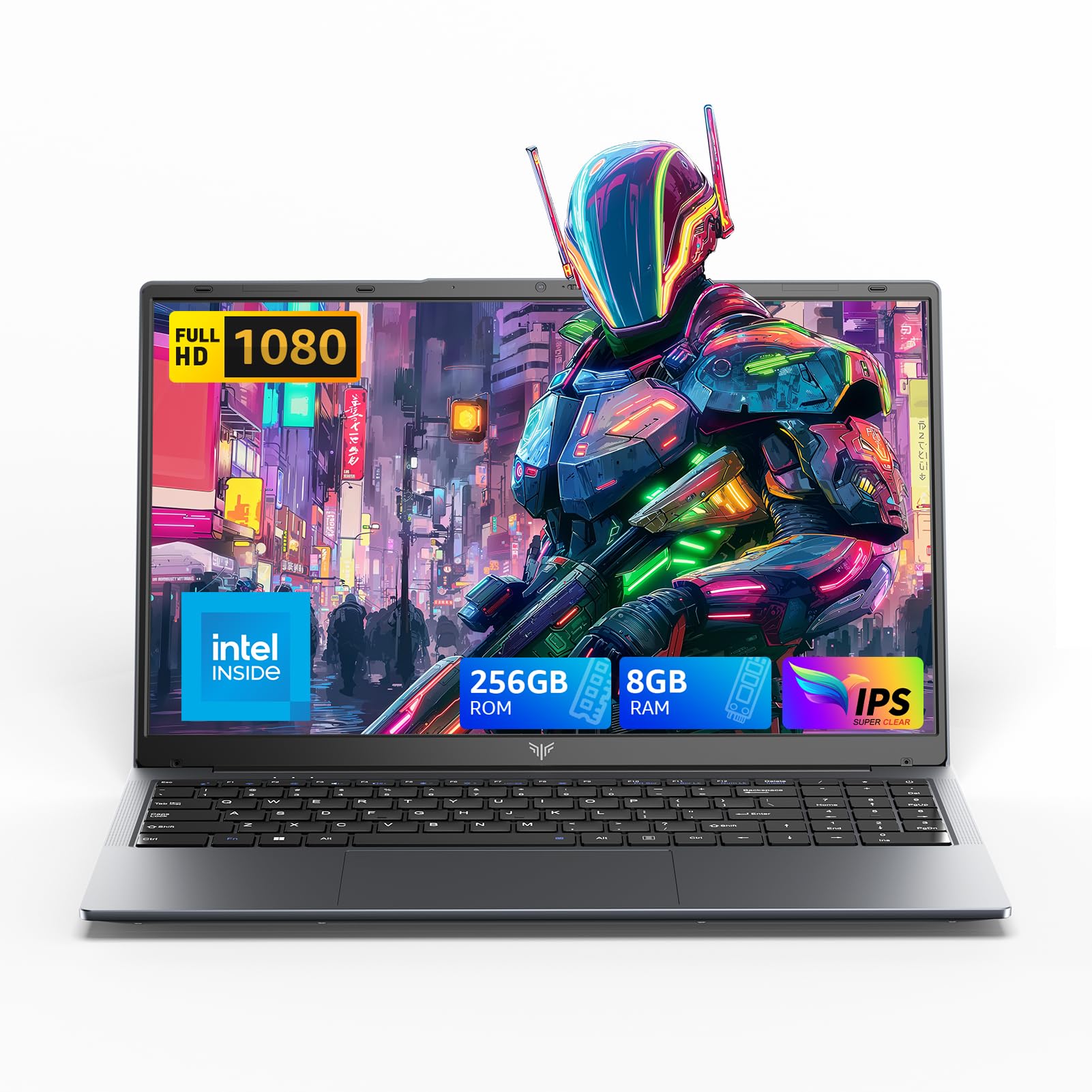
2025 LX15 Laptop, 15.6-inch FHD (1920 x 1080) Display, Ιntel N197(4C/4T) Processor, 8GB DDR4 RAM, 256GB SSD, WiFi5, BT5.0, 38Wh Battery, Gray
  • Brand: ACEMAGIC
  • Model: LX15
  • Screen: 15.6 Inches Inches
  • Processor: Ιntel
  • GPU: Integrated
  • RAM: DDR4
  • Storage: 256 GB SSD
Recent Reviews
Nicholas (Verified Purchase)
5.0 out of 5 stars Rocky setup, but end result was worth it

The media could not be loaded. When I first booted this laptop up, it presented me with a "defaultuser0" account that I didn't know the password to. I completely wiped this laptop's SSD and reinstalled Windows to play it safe, and after that it worked like a charm with regular setup. I did have to find drivers online for the touchpad afterward though.Getting at the SSD to do all of this was thankfully pretty easy, since the bottom panel was removable with a few tiny screws. I noticed that there is only a single slot for RAM in there, but it isn't soldered on so I was able to upgrade it with a 16 gig stick at least. The N97 is no gaming powerhouse but it plays some older titles still, and the laptop works great for work like emails and browsing the internet.

Romaine (Verified Purchase)
4.0 out of 5 stars Good Stuff

Its good runs fast and has space, works for school