1 of selected
Back to All Laptops

Customer Reviews

3.8
Based on 117 reviews
Wilson Score: 67.5
5 ★
66%
4 ★
23%
3 ★
7%
2 ★
2%
1 ★
2%

Recent Reviews

Verified Purchase
7/5/2022
4.0 out of 5 stars So lightweight
By vielka m.
I love this little guy. It's exactly what I wanted. I love moving and travelling so I wanted something that wouldn't break my back when carrying it in my backpack, but don't let this fool you, its weight does not detract from how powerful and sturdy it is. The battery life is great, the 16 hours advertised only last if not being used intensely and you hibernate it from time to time (not continuous usage). The backlit keyboard is beautiful but has no use in well-lit rooms. The only thing I'm not particularly fond of is the speakers, they are quite low so it's best to use headphones, which I don't really enjoy. The camera is decent, I've only used it for GoogleMeets and it looked good. Other than that, this laptop is really fast and even cute.Update: I removed one star because the laptop gets overwhelmingly hot when plugged in to the charger, it's absurd. On top of that, the laptop freezes after 2-3 days of sleep mode, so you have to completely turn it off -- losing any document you didn't save -- and then turn it back on, to the point where I get nervous whenever I'm working on a Word doc out now. Not what you expect from an i7-11 gen...
11 people found this helpful
Verified Purchase
7/13/2023
5.0 out of 5 stars Acer Swift 3 SF314-512T-56CT (style "24-inch" on Amazon. yuk yuk)
By HomeDogBliss
I'm very pleased with this Acer Swift 3 14" touchscreen running Windows 11. I am replacing an old Acer Aspire R5-471T-51UN that runs Windows 10 and has a hard time staying connected to the power source (loose connector). I've only had this a couple weeks, but I like it a lot. I've been very busy figuring out Windows 11 and installing a lot of my old software.This laptop is very lightweight. It's fast enough for me. The fan is usually very quiet. The keys have a nice feel. It's a good size to actually use on one's lap. The charger can be connected to a port on either the left or right side, and it feels very secure.Things I don't care for are- having the power button to the right of the delete button, since that is where I'm used to having the delete key itself. I'm adjusting.- The silver keyboard with white lettering on the keys is harder for me to see than white lettering on a black board. When the light is funny, I have to tilt the keyboard to see the lettering.- A charge doesn't last as long as expected, but I'm used to having the computer plugged in while I'm using it, so it's not a big deal for me.- The Windows Hello touch sign on does not work well. It is unable to get a good fingerprint (also on the power key) and keeps telling me to clean the key. I also found out that having the Windows Hello fingerprint sign in turned on meant that I had to sign in every single time (after "sleep"), and since my fingerprint is not recognized, I have to enter my PIN every time. Disabling the Windows Hello fingerprint allowed me the change some sign-in setting so I wouldn't have to enter my PIN every time. I don't know if this is a Windows thing or an Acer thing.All in all, I'm quite happy with this laptop PC! And I got it for the low low price of $570 (plus tax)!
4 people found this helpful

Frequently Asked Questions

What is the maximum RAM capacity for this Acer Swift 3 model?
The laptop comes with 8GB of LPDDR4X RAM soldered to the motherboard, and according to the specifications, the maximum supported capacity is 16GB. This means the RAM is not user-upgradeable beyond its factory configuration.
How many and what type of USB-C ports does this laptop have?
This model has two USB Type-C ports. Both support the USB4 standard with data transfer speeds up to 40 Gbps, Thunderbolt 4 connectivity, and USB charging capabilities.
Is the display suitable for color-accurate work like photo editing?
Yes, the 14-inch Full HD IPS display covers 100% of the sRGB color gamut, which is the standard color space for web and digital content, making it suitable for basic to intermediate photo editing where color accuracy is important.
What is the benefit of the Killer Wi-Fi 6E AX1675 card in this laptop?
The Killer Wi-Fi 6E card provides connectivity across the 2.4GHz, 5GHz, and the new 6GHz radio bands, reducing interference and congestion. It supports 2x2 MU-MIMO for efficient data streaming to multiple devices simultaneously, which can improve performance in crowded wireless environments.
Can the laptop charge devices when it's powered off?
Yes, one of the two USB 3.2 Gen 1 ports specifically features power-off charging, allowing you to charge phones or other devices from the laptop's battery even when the laptop itself is shut down.

Similar Laptops You Might Like

$399.99
17 reviews
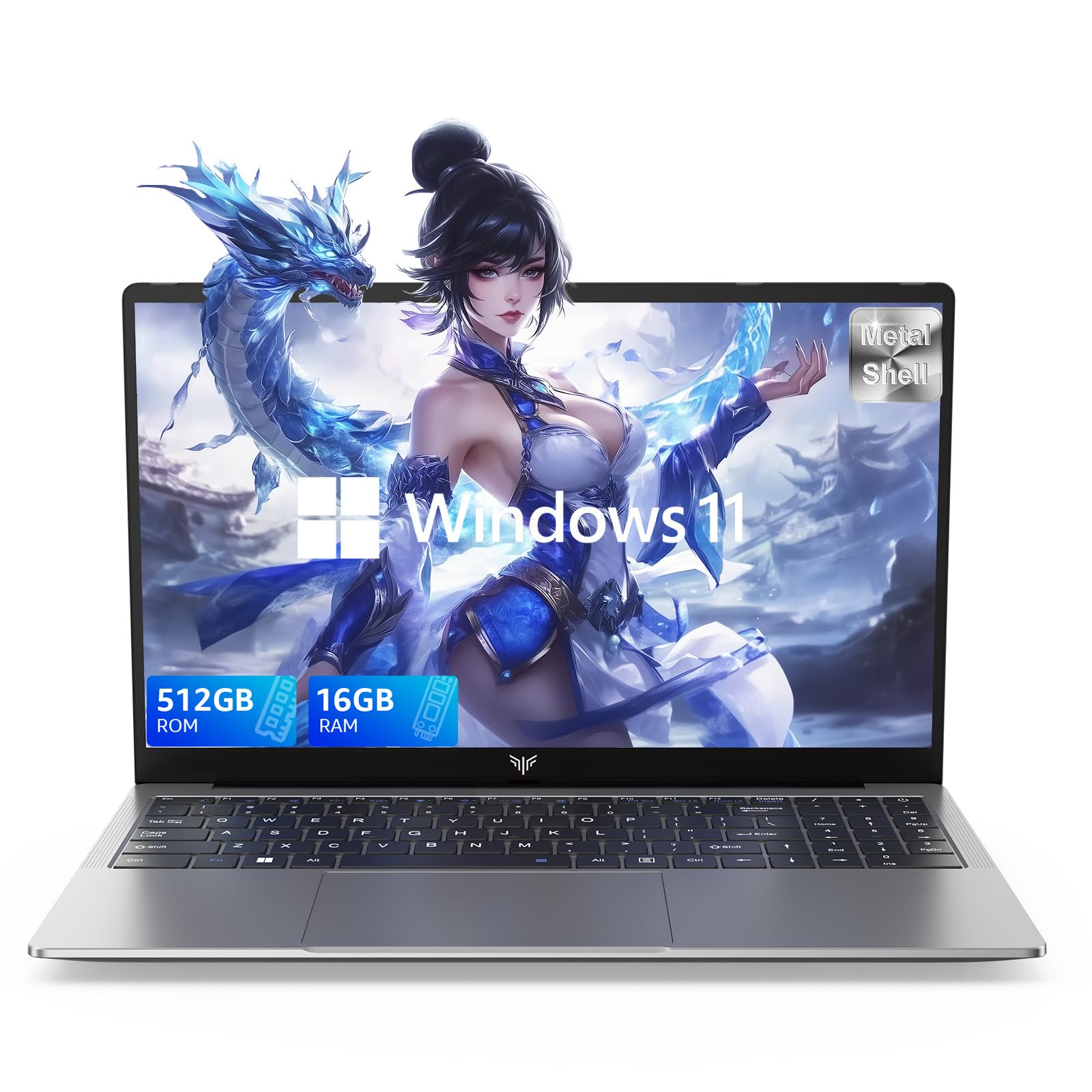
Laptop, 15.6" Business Student Laptop Computer, Intel Quad-Core Processor Windows 11 Laptop, 16GB DDR4 512GB SSD, Up to 2TB,180° Open Angle, Metal Shell, WiFi, USB3.2, Type C
  • Brand: ACEMAGIC
  • Model: AX15
  • Screen: 15.6 Inches Inches
  • Processor: Intel
  • GPU: Intel UHD Graphics Up to 1.2GHz
  • RAM: DDR4
  • Storage: 512 GB SSD
Recent Reviews
David JB (Verified Purchase)
5.0 out of 5 stars 5 stars

great laptop for the price. The 16GB RAM and 512GB ssd provide smooth performance and the 180° hinge is a nice touch. Windows 11 runs well, and the sleek Silver Gray design looks premium. Highly recommend!

3whitey (Verified Purchase)
1.0 out of 5 stars Crashed

Laptop crashed with only a few days of use.I don’t find any warranty information
$249.99
15 reviews
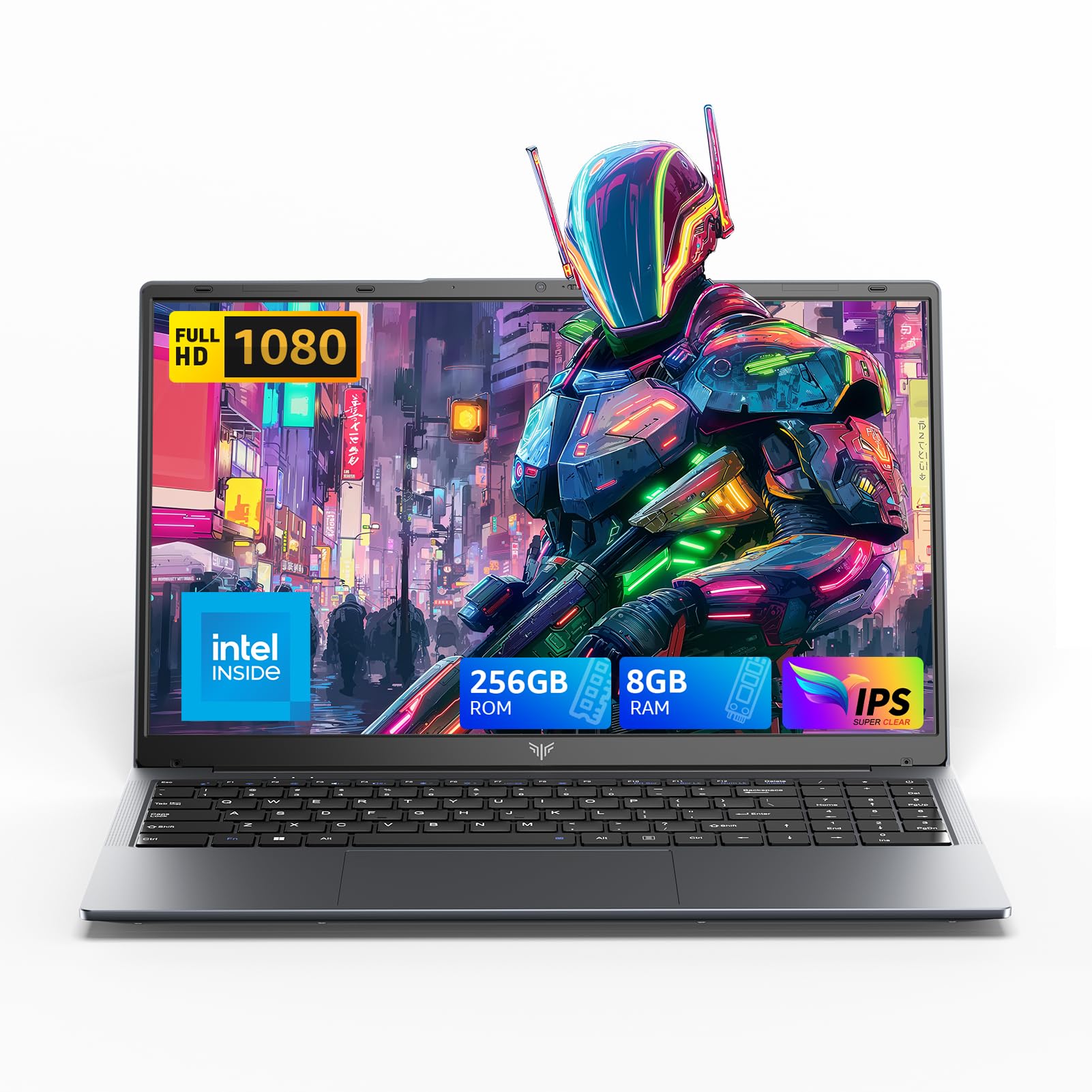
2025 LX15 Laptop, 15.6-inch FHD (1920 x 1080) Display, Ιntel N197(4C/4T) Processor, 8GB DDR4 RAM, 256GB SSD, WiFi5, BT5.0, 38Wh Battery, Gray
  • Brand: ACEMAGIC
  • Model: LX15
  • Screen: 15.6 Inches Inches
  • Processor: Ιntel
  • GPU: Integrated
  • RAM: DDR4
  • Storage: 256 GB SSD
Recent Reviews
Nicholas (Verified Purchase)
5.0 out of 5 stars Rocky setup, but end result was worth it

The media could not be loaded. When I first booted this laptop up, it presented me with a "defaultuser0" account that I didn't know the password to. I completely wiped this laptop's SSD and reinstalled Windows to play it safe, and after that it worked like a charm with regular setup. I did have to find drivers online for the touchpad afterward though.Getting at the SSD to do all of this was thankfully pretty easy, since the bottom panel was removable with a few tiny screws. I noticed that there is only a single slot for RAM in there, but it isn't soldered on so I was able to upgrade it with a 16 gig stick at least. The N97 is no gaming powerhouse but it plays some older titles still, and the laptop works great for work like emails and browsing the internet.

Romaine (Verified Purchase)
4.0 out of 5 stars Good Stuff

Its good runs fast and has space, works for school