1 of selected
Back to All Laptops

Customer Reviews

4.4
Based on 50 reviews
Wilson Score: 76.2
5 ★
66%
4 ★
23%
3 ★
7%
2 ★
2%
1 ★
2%

Recent Reviews

Verified Purchase
3/15/2024
5.0 out of 5 stars Amazing Convertible Device
By AnonShopper
I needed a tablet with a large screen. I did not want a dedicated tablet as they require a keyboard and stand for any real work. Instead of spending $1400 on a large fruit tablet I found this for $400. It comes with all the basics, a vibrant screen with 14” of area. 8GB of RAM 128GB NVME SSD and an Intel 8 core processor with UHD graphics. What I love about the Aspire Spin 3 is the build quality. The keyboard has good feedback. The trackpad is usable! The built in speakers are okay in a pinch but there is Bluetooth to hook up a wireless speaker for presentations or a headset. I ended up uninstalling some bloateare but it was minimal. There are two full sized USB-A high speed ports for memory sticks, hard drives or whatever you want to use. There is also a Dual mode USB-C port that can output video, charge the battery, or transfer data. The HDMI port is 2.1. The WiFi is the AX101 from Intel and it does a fantastic job with my WiFi 6 router. I thought the RAM capacity would be limiting but with the ultra fast NVME SSD I have not run into any issues. It plays 4K YouTube videos flawlessly. As first there was some backlight bleed but after handling the device for a few test scenarios it has gone away. It does not get super bright so outside direct sun should be avoided unless you invest in an anti glare screen coating. Windows 11 came in S mode and it was easy to disable in the Microsoft Store. Now I can install apps from the internet like Firefox , Chrome and whatever I need like my hardware monitoring tools. This is a steal and fantastic value for the money. Next step is to install Steam and Skyrim Anniversary Edition.
37 people found this helpful
Verified Purchase
1/12/2025
5.0 out of 5 stars Perfect for My Son in College – Practical and Versatile!
By Guy in Austin
I bought the Acer Aspire 3 Spin 14 for my son, and he absolutely loves it as a college student! The convertible design is a game-changer—he can switch between laptop and tablet modes effortlessly, which makes it great for taking notes in class or streaming lectures in bed.The 14" IPS touch display is crisp and vibrant, perfect for both study sessions and downtime Netflix marathons. The Intel Core i3 processor and 8GB of LPDDR5 RAM handle all his needs, from writing essays to running multiple tabs for research, without any lag.It’s lightweight and portable, so it fits easily in his backpack and doesn’t weigh him down on campus. Battery life is impressive too—it lasts through most of his classes and a library session before needing a charge.If I had to nitpick, storage could be a bit more generous, but with cloud solutions, it’s manageable. For the price, this laptop is a fantastic value and a great tool for any student.
14 people found this helpful

Frequently Asked Questions

What is the difference between Windows 11 Home in S mode and regular Windows 11?
This laptop comes with Windows 11 Home in S mode, which is a streamlined version designed for security and performance. It only allows installation of apps from the Microsoft Store and uses Microsoft Edge as the default browser. You can switch to regular Windows 11 Home for free if you need to install software from other sources.
Can I use a stylus with the touchscreen?
Yes, the 14-inch IPS touchscreen supports WACOM AES (Active Electrostatic) pens for note-taking and sketching. However, the pen is not included with the laptop and must be purchased separately.
How much storage space is actually available on the 128GB SSD?
The laptop has a 128GB NVMe SSD, but the usable storage will be less after accounting for the Windows 11 operating system and pre-installed software. You should expect approximately 90-100GB of free space available for your files and applications.
What type of USB-C port does this laptop have and what can it do?
It has one USB Type-C 3.2 Gen 2 port that supports data transfer speeds up to 10 Gbps, DisplayPort video output for connecting external monitors, and USB charging. This means you can use it to connect displays, transfer files quickly, and charge compatible devices.
Is the RAM upgradeable on this model?
No, the 8GB of LPDDR5 RAM is soldered directly to the motherboard and cannot be upgraded or replaced after purchase. This is a fixed configuration you should consider for your long-term needs.

Similar Laptops You Might Like

$399.99
17 reviews
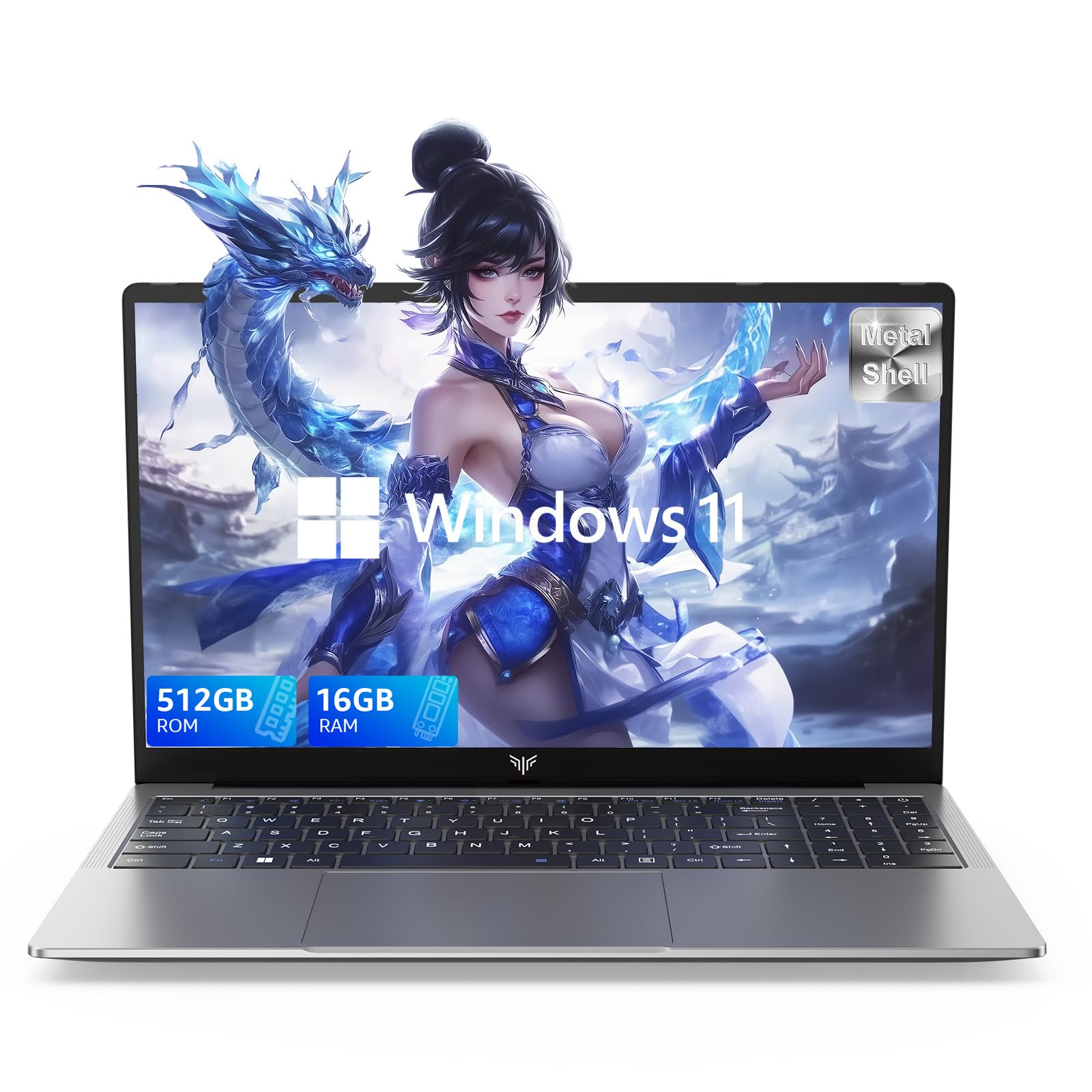
Laptop, 15.6" Business Student Laptop Computer, Intel Quad-Core Processor Windows 11 Laptop, 16GB DDR4 512GB SSD, Up to 2TB,180° Open Angle, Metal Shell, WiFi, USB3.2, Type C
  • Brand: ACEMAGIC
  • Model: AX15
  • Screen: 15.6 Inches Inches
  • Processor: Intel
  • GPU: Intel UHD Graphics Up to 1.2GHz
  • RAM: DDR4
  • Storage: 512 GB SSD
Recent Reviews
David JB (Verified Purchase)
5.0 out of 5 stars 5 stars

great laptop for the price. The 16GB RAM and 512GB ssd provide smooth performance and the 180° hinge is a nice touch. Windows 11 runs well, and the sleek Silver Gray design looks premium. Highly recommend!

3whitey (Verified Purchase)
1.0 out of 5 stars Crashed

Laptop crashed with only a few days of use.I don’t find any warranty information
$249.99
15 reviews
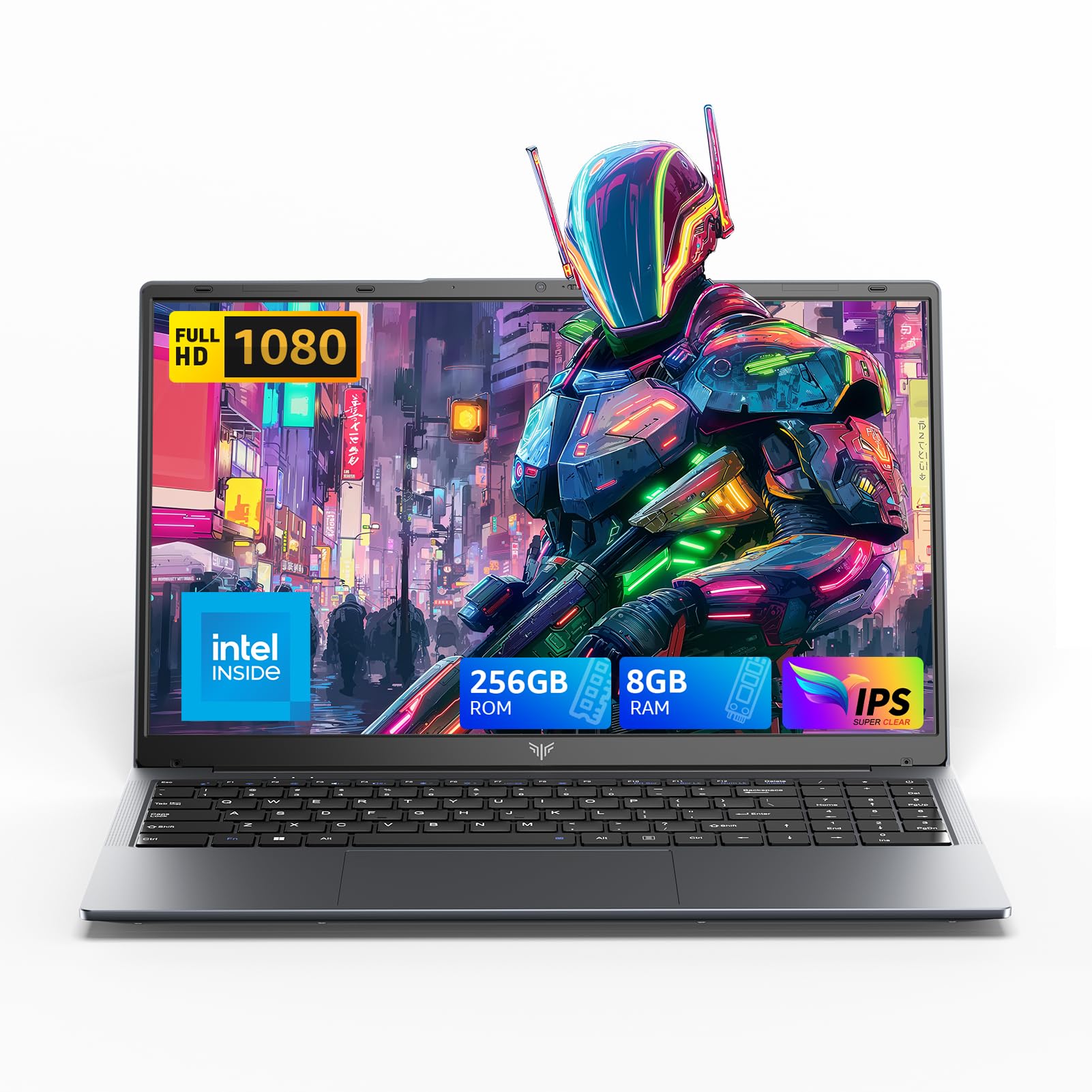
2025 LX15 Laptop, 15.6-inch FHD (1920 x 1080) Display, Ιntel N197(4C/4T) Processor, 8GB DDR4 RAM, 256GB SSD, WiFi5, BT5.0, 38Wh Battery, Gray
  • Brand: ACEMAGIC
  • Model: LX15
  • Screen: 15.6 Inches Inches
  • Processor: Ιntel
  • GPU: Integrated
  • RAM: DDR4
  • Storage: 256 GB SSD
Recent Reviews
Nicholas (Verified Purchase)
5.0 out of 5 stars Rocky setup, but end result was worth it

The media could not be loaded. When I first booted this laptop up, it presented me with a "defaultuser0" account that I didn't know the password to. I completely wiped this laptop's SSD and reinstalled Windows to play it safe, and after that it worked like a charm with regular setup. I did have to find drivers online for the touchpad afterward though.Getting at the SSD to do all of this was thankfully pretty easy, since the bottom panel was removable with a few tiny screws. I noticed that there is only a single slot for RAM in there, but it isn't soldered on so I was able to upgrade it with a 16 gig stick at least. The N97 is no gaming powerhouse but it plays some older titles still, and the laptop works great for work like emails and browsing the internet.

Romaine (Verified Purchase)
4.0 out of 5 stars Good Stuff

Its good runs fast and has space, works for school