
1 of selected
Back to All Laptops

Customer Reviews

4.4
Based on 616 reviews
Wilson Score: 85.2
5 ★
66%
4 ★
23%
3 ★
7%
2 ★
2%
1 ★
2%

Recent Reviews

Verified Purchase
11/7/2025
4.0 out of 5 stars Details and Recommendations- A Good, but Slightly Needy Laptop
By Sean
Edit: It charges insanely fast! It takes around 30 mins for it to go from dying to 93% and stays charged for over 5 hours.-------------I like the sound quality. Screen is nice and will be good for when I draw on Krita, stream something, or game. The keyboard is great. Not sure how the touch pad is because I only use a wired mouse. It arrived only 2 days after I bought it. I believe this is a great laptop, especially for the price.This is the first time I've bought a laptop with a USB-c charger instead of the traditional laptop charger. At first I was appalled by the change, but then I realized it's more convenient because you can use any usb-c. I assume it won't charge as fast if it's only via usb-c/without the block but what matters is it *will* charge. Be careful plugging things into it's ports because it's a weirdly snug fit.I definitely recommend getting a compatible SSD to add. This laptop on it's own has pretty much no storage space. I have Samsung Evo Plus 970 nvme 1tb storage. It is very slow on Windows 11 and updates are long. I got rid of Windows and installed Linux Mint and it works so much better, unsurprisingly.The delivery box didn't have a Handle With Care/Fragile label and that should change. The retail packaging it came in was snug and sleek. No damage to the packaging- super fresh. Definitely be prepared with scissors and a dash of patience because it is a bit of a challenge to actually open the packaging. It's airtight! Not a complaint, just a fact.My recommendations:1.) It's extremely slow on Windows. I recommend installing Linux if you know/can learn how or can have someone else do it. Linux Mint is the most lightweight and beginner friendly Linux distro. This laptop should use something lightweight like Mint.2.) Get a compatible SSD card because you will need more space for doing anything at all. Again, I use Samsung Evo Plus 970 nvme with 1TB storage. It isn't expensive, at least not expensive when I bought it.
29 people found this helpful
Verified Purchase
12/11/2025
5.0 out of 5 stars Great laptop at a budget price
By Eddie G.
Very happy with my purchase. I have not cracked the laptop open to confirm it's upgradeability like others have, however it has performed up to my expectations. Very capable for day to day tasks, it even ran some games decently, but it is by no means a gaming laptop, as to be expected at this price range.Great laptop for a student or for a non-gamer. I would recommend this to anyone that isn't doing heavy processing or gaming.
5 people found this helpful

Frequently Asked Questions

What is Windows 11 Home in S Mode, and can I install software from outside the Microsoft Store?
Windows 11 Home in S Mode is a streamlined, security-focused version of Windows that only allows app installations from the Microsoft Store. You can switch out of S Mode to a standard Windows 11 Home installation at no cost, which will then allow you to install software from any source, but this process is one-way and cannot be reversed.
How does the 128GB UFS storage compare to a traditional SSD or hard drive?
The 128GB Universal Flash Storage (UFS) provides faster read/write speeds than a traditional hard drive and is comparable to entry-level eMMC storage, but it is not as fast as a typical NVMe SSD. This amount of storage is suitable for the operating system, essential applications, and a moderate number of documents, but you will need to manage media files carefully or use external/cloud storage.
Can both USB Type-C ports be used for charging and connecting an external monitor?
Yes, both of the laptop's USB Type-C ports are full-function ports supporting USB 3.2 Gen 2 speeds (up to 10 Gbps), DisplayPort video output, and USB charging (up to 45W). This means you can charge the laptop or connect to a monitor using either port.
What does 'AI Ready' mean for this laptop, and what is the Copilot Key?
'AI Ready' primarily refers to the laptop's hardware supporting Windows Copilot features and its dedicated Copilot key. Pressing the Copilot key opens the Windows Copilot sidebar, providing centralized access to AI-assisted tasks within Windows 11, such as summarizing content or adjusting settings. The processor includes Intel's AI Boost technology for accelerating specific AI workloads.
Is the RAM upgradeable, or is the 8GB DDR5 memory soldered onto the motherboard?
Based on the specifications provided, the 8GB of DDR5 memory is onboard (soldered) and not user-upgradeable. The laptop does not have accessible RAM slots for future memory expansion.

Similar Laptops You Might Like

$399.99
17 reviews
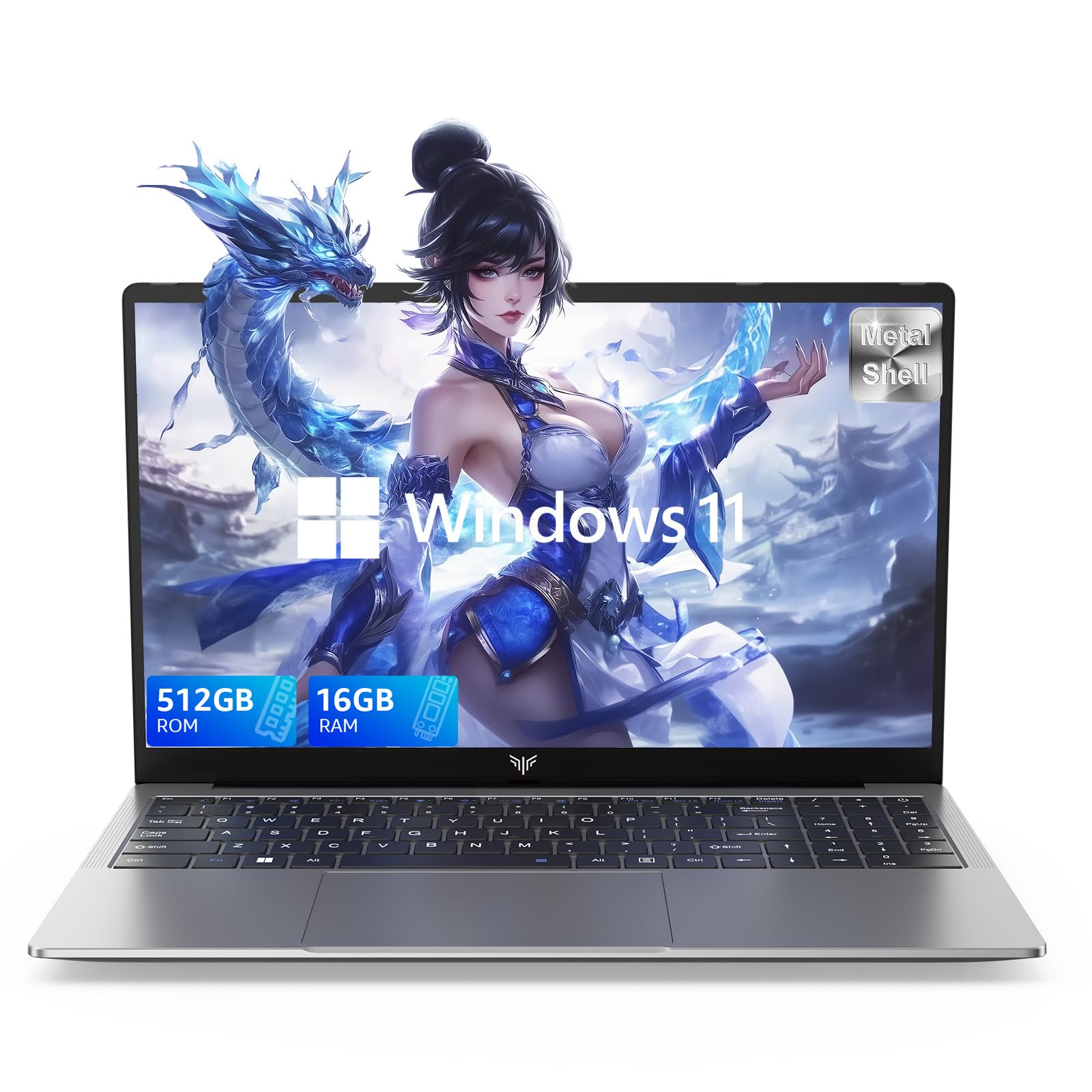
Laptop, 15.6" Business Student Laptop Computer, Intel Quad-Core Processor Windows 11 Laptop, 16GB DDR4 512GB SSD, Up to 2TB,180° Open Angle, Metal Shell, WiFi, USB3.2, Type C
  • Brand: ACEMAGIC
  • Model: AX15
  • Screen: 15.6 Inches Inches
  • Processor: Intel
  • GPU: Intel UHD Graphics Up to 1.2GHz
  • RAM: DDR4
  • Storage: 512 GB SSD
Recent Reviews
David JB (Verified Purchase)
5.0 out of 5 stars 5 stars

great laptop for the price. The 16GB RAM and 512GB ssd provide smooth performance and the 180° hinge is a nice touch. Windows 11 runs well, and the sleek Silver Gray design looks premium. Highly recommend!

3whitey (Verified Purchase)
1.0 out of 5 stars Crashed

Laptop crashed with only a few days of use.I don’t find any warranty information
$249.99
15 reviews
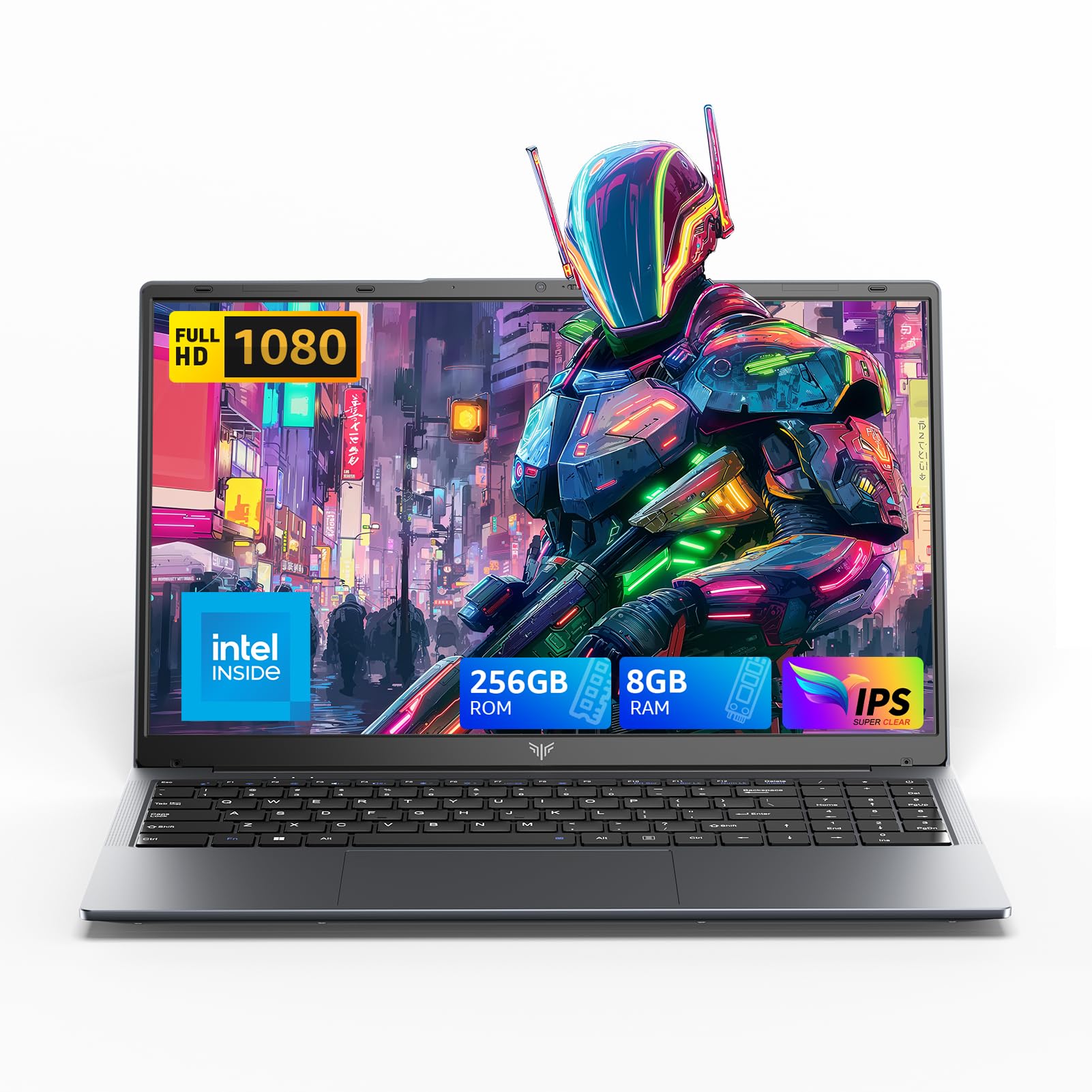
2025 LX15 Laptop, 15.6-inch FHD (1920 x 1080) Display, Ιntel N197(4C/4T) Processor, 8GB DDR4 RAM, 256GB SSD, WiFi5, BT5.0, 38Wh Battery, Gray
  • Brand: ACEMAGIC
  • Model: LX15
  • Screen: 15.6 Inches Inches
  • Processor: Ιntel
  • GPU: Integrated
  • RAM: DDR4
  • Storage: 256 GB SSD
Recent Reviews
Nicholas (Verified Purchase)
5.0 out of 5 stars Rocky setup, but end result was worth it

The media could not be loaded. When I first booted this laptop up, it presented me with a "defaultuser0" account that I didn't know the password to. I completely wiped this laptop's SSD and reinstalled Windows to play it safe, and after that it worked like a charm with regular setup. I did have to find drivers online for the touchpad afterward though.Getting at the SSD to do all of this was thankfully pretty easy, since the bottom panel was removable with a few tiny screws. I noticed that there is only a single slot for RAM in there, but it isn't soldered on so I was able to upgrade it with a 16 gig stick at least. The N97 is no gaming powerhouse but it plays some older titles still, and the laptop works great for work like emails and browsing the internet.

Romaine (Verified Purchase)
4.0 out of 5 stars Good Stuff

Its good runs fast and has space, works for school