1 of selected
Back to All Laptops

Customer Reviews

4.3
Based on 2,500 reviews
Wilson Score: 84.6
5 ★
66%
4 ★
23%
3 ★
7%
2 ★
2%
1 ★
2%

Recent Reviews

Verified Purchase
4/9/2023
4.0 out of 5 stars Not a powerhouse but acceptable for low end workstation use
By Amazon Customer
This is an economy laptop that is marginally better than the average Chromebook. Do not expect it to run the latest games or any graphically intensive applications. With that stated, I am utilizing these at a non profit charity that which mostly utilizes cloud based applications. These computers work very well at this task while providing the future proofing of being Windows 11 compliant.We are replacing ACER Aspire E15 series laptops with this model. The E15s were mostly generation 7 & 8 I3 and i5 models with SATA III SSDs and 8GB of RAM. The NVMe drives are much faster than the older SATA III drives. I miss the extra RAM, but not enough to crack open these cases for upgrades. My volunteers appreciate the lighter weight and slimmer size. I don't remember the last time we actually utilized an optical drive or card reader which were lost with the slimmer case.These have smaller batteries than our older models. That coupled with the CPU and RAM workload increase, means that I anticipate 5 - 6 hours of battery life utilizing basic cloud based applications. Streaming movies or playing basic games will decrease the life more. Non CPU intensive desktop productivity software should increase the battery life. The power port is proprietary so you will need to carry the brick and cords if you need more battery life during your day. From an IT prospective, this is a blessing due to the number of infected USB C chargers that have begun popping up in public spaces.Most of the volunteers in the organization are older and greatly appreciate the larger display size. There is no touch display option. The maximum resolution is 1920x1080, but the overall quality does not keep up with mid level or elite laptops. The viewing angle is about 120 degrees from the side and less from the top. Graphics performance is low. The colors are not as rich and the contrast is not as dynamic as better displays. This does include HDMI 2.0. I do not think it could drive a display with higher resolution very well though. It is fine for plugging presentations in to a projector or large display. I do not see much improvement on this display vs the 2017 - 2019 ACER E15 series laptops these are replacing.The webcam is basic. The speakers are small and face down. There is a single microphone. If you speak on calls, a headset is a must. If you listen on calls, this is adequate provided your space is quiet enough for the small speakers. The overall sound quality is a compromise between value and quality leaning heavily on value.The keyboard is textured. It is not backlit. There is not indication that Caps lock or Number Lock are engaged. So far, I prefer it to the usual flat chiclet keyboards that haunt modern laptops. The key response is good. The number pad keys are smaller than the regular keys and some of the buttons are not in standard 10 key locations. The keyboard also does not use the standard inverted T for the arrow keys. This is either a learning curve or an annoyance depending on the user. Time will tell regarding dust and foreign debris issues and how difficult it is to change a key, switch or the entire keyboard.The touchpad is large enough to cover the display area adequately. It is sensitive enough to cover tap clicking or actual clicking depending on user preference. I do miss the button that disables the touchpad to eliminate palm pressing, but that disappeared with optical drives on every computer.The ports are great. This laptop has 2 USB 3.2 and one USB C on the left side, and one USB 2.0 on the right side. It also has gigabit ethernet and HDMI 2.0 on the left side and a headphone port on the right side. The SD card reader has disappeared to no big loss. Many of my volunteers prefer corded mice and happen to be right handed. A USB port on the right side is really nice. The power port is proprietary since this is USB C instead of Thunderbolt 3/4. That is a nice range of current and future connectivity. The average user will not need to utilize a dock or USB hub with this laptop.The WI-FI supports both 2.4 and 5.0 Ghz protocols. It maxes out at WI-FI 5 speeds. The built in ethernet port is gigabit which maxes out at 125mbps. Both are adequate for streaming, web browsing, email, and basic Internet use. Most home networks are gigabit so this slots in very well. I was able to maintain transfers at 2.3GBe with a USB 3.2 to 2.5GBe adapter. There is no wireless upgrade option.You can access the main board and components with nothing more than a 00 Phillips screwdriver. There is a single RAM slot and it utilizes NVMe 3.0. The base model is a little light on both RAM and storage, but for a workstation, it is adequate. For a more power user, you can upgrade both, which is nice and becoming rare in most laptops. The NVMe drive is not heat shielded nor is it installed in a place with good airflow. I would not be surprised to encounter heat throttling during periods of heavy use. The overall drive life may be compromised as well. Time will tell. There are no additional unused SATA, PCI, or NVMe ports for expansion. You cannot upgrade the CPU and there is no expansion port to add discrete graphics. No surprise there.I immediately exited Windows S mode during initial setup. Any program that won't allow a user to even utilize a different browser, isn't right for me. This may be nice if you are attempting to keep users away from applications and websites of questionable origin but our desktop software will never be listed in the MS store and our cloud based software is not stable in Edge.The bottom line is that this laptop is designed for non power users and companies looking for a laptop that is more powerful and less controlled than the average Chromebook. If your user experience is surfing the Internet, streaming videos, checking email, and running software that will never be listed in an App Store, this is a great option. If you want to play games, or edit video or graphics, this is not the right choice for you. Based on previous ACER experience, we anticipate 5 years of service out of these which is a great return of investment.
230 people found this helpful
Verified Purchase
6/25/2024
5.0 out of 5 stars Pretty decent. . . but maybe get an alternative
By James K
First off, it has a compact chiclet keyboard which has a useful numpad making it versatile for all office/school work and even light gaming.The 1080p screen is crisp and vibrant which makes it great for watching videos or reading documents.The battery life is meh. It may last around 12 hours with battery saver on and light use, but still I would like for it to push more.Now for the bad stuff. The construction and build is horrible. It uses like a magnesium aluminum alloy which is cheap, weak, and brittle. When you type you can feel the entire plate press down and retract back up. Also when I unscrewed and pulled the bottom panel off, I may have broken the retaining tabs.This laptop only comes with 4gb which is barely enough to do anything. I ended up buying an 8gb ram card which fortunately this laptop does have a spare slot for upgrading. Doing so will probably lead to you breaking the inside tabs like I mentioned.The most annoying part is the loud fans at the bottom. Even when just scrolling through documents it insists on revving up. I could not imagine using this at a meeting or even at a lecture.Overall, it's solid if you just want a laptop to use at home and perform light tasks. Considering this was the cheapest 1080p LCD laptop (when I bought it), its pretty competent apart from my mentioned qualms. After 1 year its still holding up fine.I would however advice to look at getting used or even new Thinkpads from Lenovo instead since, in hindsight, they seem to be a lot cheaper as well as being higher spec.
3 people found this helpful

Frequently Asked Questions

Can I upgrade the RAM and storage on this laptop?
Yes. The laptop has 4GB of DDR4 memory soldered to the motherboard, but it includes one available slot for adding more RAM. It also has one available hard drive bay, allowing you to add additional storage alongside the existing 128GB NVMe SSD.
What does 'Windows 11 Home in S mode' mean for this laptop?
Windows 11 in S mode is a secure, streamlined version that only allows app installations from the Microsoft Store and requires Microsoft Edge for web browsing. It can be switched out of S mode to a standard Windows 11 Home installation for free, which then allows installation of any software.
What type of ports are available for connecting accessories?
This laptop provides a USB 3.2 Type-C port, two USB 3.2 Gen 1 ports (one with power-off charging capability), one USB 2.0 port, an HDMI 2.0 port with HDCP support, an Ethernet (RJ-45) port, and a combined headphone/speaker/line-out jack.
How does the 'Ergonomic Typing' hinge work?
The hinge is designed to lift the back of the keyboard chassis when the lid is opened. This creates a more comfortable typing angle, improves airflow for cooling, and elevates the speakers for better audio projection.
What is the actual processor speed, and what is Turbo Boost?
The 11th Gen Intel Core i3-1115G4 is a dual-core processor with a base frequency. Its Intel Turbo Boost Technology can dynamically increase the clock speed up to 4.1 GHz when running demanding applications to provide a temporary performance boost.

Similar Laptops You Might Like

$382.54
29 reviews
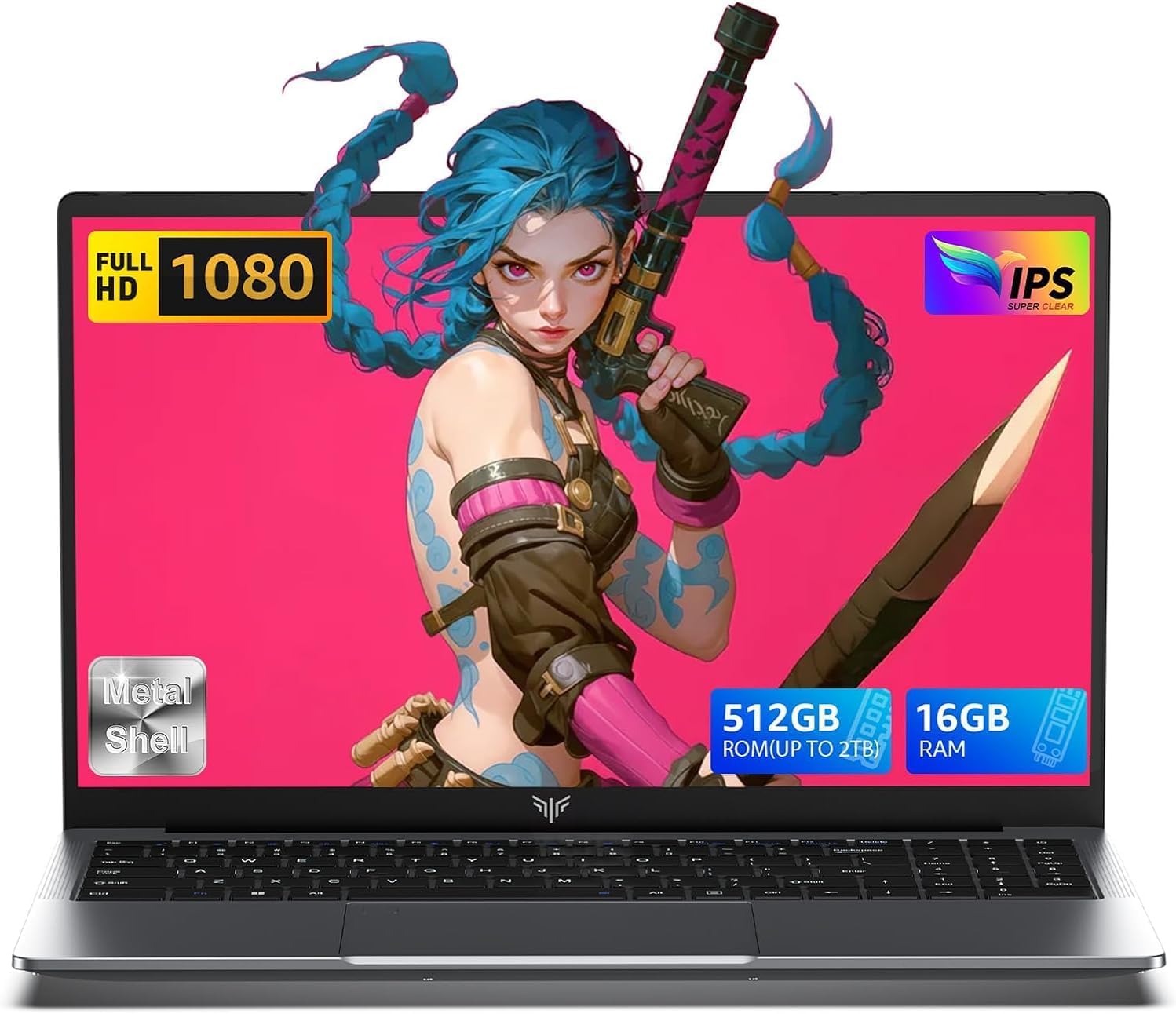
2025 Laptop,15.6-Inch FHD Display Laptop with Quad Core-12th Alder Lake N95(Up to 3.4GHz), 16GB RAM 512GB ROM Traditional Laptop Computer,Silver
  • Brand: ACEMAGIC
  • Model: AX15
  • Screen: 15.6 Inches Inches
  • Processor: 1.7 GHz
  • GPU: Intel UHD Graphics Up to 1.2GHz
  • RAM: DDR4
  • Storage: 512GB M.2 SATA SSD
Recent Reviews
Alaya (Verified Purchase)
5.0 out of 5 stars Huge screen and powerful

Wow, the screen size is huge. I have the smaller version of this laptop and this 17" version dwarfs that. The screen looks vibrant and robust and the speakers are loud and clear. The performance is also a lot faster with no lag. I really love the full sized keyboard, the layout feels comfortable to type on.

Empress Abiona (Verified Purchase)
5.0 out of 5 stars BUY IT

Amaaaaazinggly big interface, I LOVE this laptop. Works super fast, Perfect for work/ Making music/ Day to day tasks and hobbies. Amazing HD screen and audio . 10/10

$249.99
15 reviews
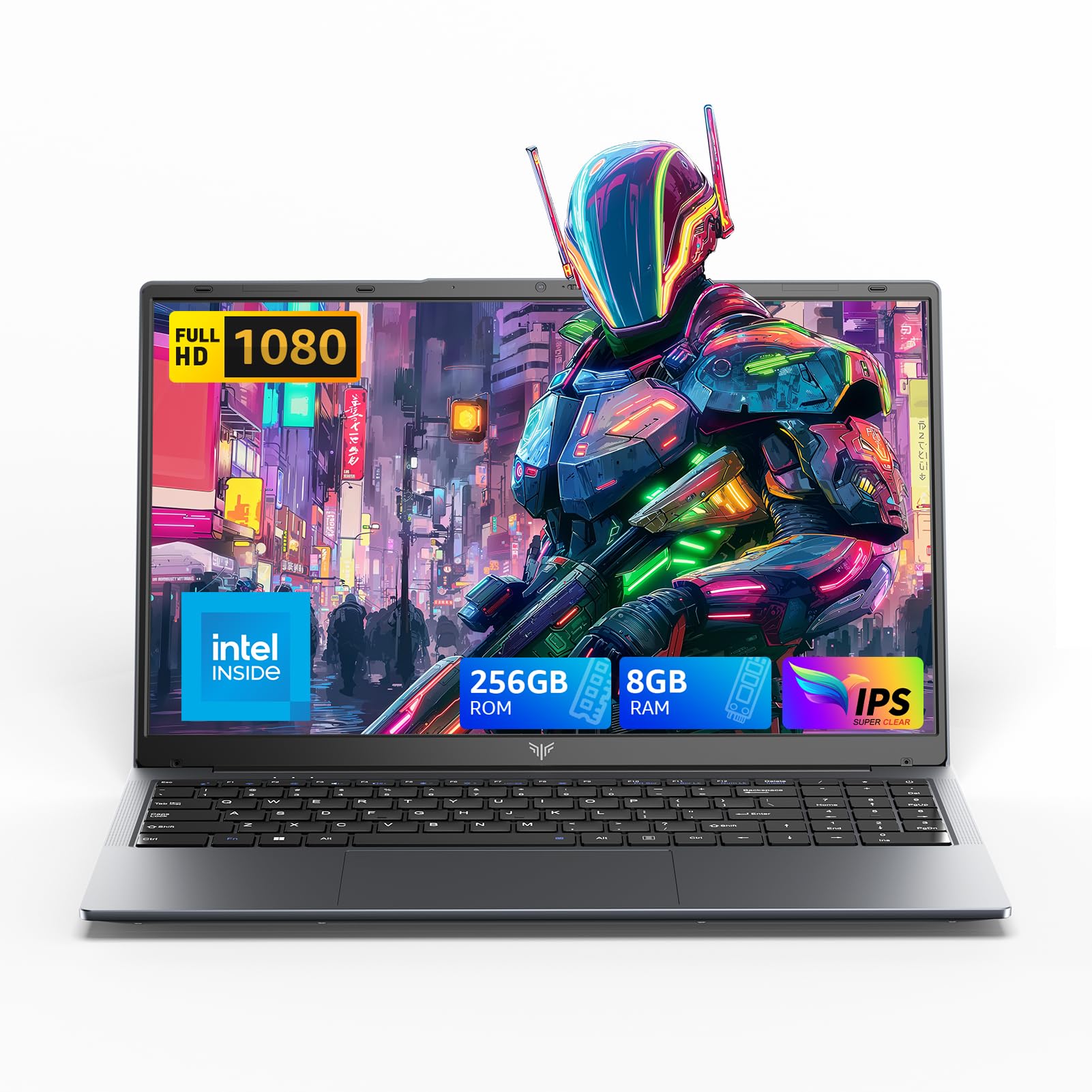
2025 LX15 Laptop, 15.6-inch FHD (1920 x 1080) Display, Ιntel N197(4C/4T) Processor, 8GB DDR4 RAM, 256GB SSD, WiFi5, BT5.0, 38Wh Battery, Gray
  • Brand: ACEMAGIC
  • Model: LX15
  • Screen: 15.6 Inches Inches
  • Processor: 3.6 GHz 6x86
  • GPU: Integrated
  • RAM: DDR4
  • Storage: 256 GB SSD
Recent Reviews
Nicholas (Verified Purchase)
5.0 out of 5 stars Rocky setup, but end result was worth it

The media could not be loaded. When I first booted this laptop up, it presented me with a "defaultuser0" account that I didn't know the password to. I completely wiped this laptop's SSD and reinstalled Windows to play it safe, and after that it worked like a charm with regular setup. I did have to find drivers online for the touchpad afterward though.Getting at the SSD to do all of this was thankfully pretty easy, since the bottom panel was removable with a few tiny screws. I noticed that there is only a single slot for RAM in there, but it isn't soldered on so I was able to upgrade it with a 16 gig stick at least. The N97 is no gaming powerhouse but it plays some older titles still, and the laptop works great for work like emails and browsing the internet.

Romaine (Verified Purchase)
4.0 out of 5 stars Good Stuff

Its good runs fast and has space, works for school