1 of selected
Back to All Laptops

Customer Reviews

3.8
Based on 135 reviews
Wilson Score: 68.1
5 ★
66%
4 ★
23%
3 ★
7%
2 ★
2%
1 ★
2%

Recent Reviews

Verified Purchase
1/10/2023
4.0 out of 5 stars Great hardware for the price.
By Shawn
I could give an opinion on what brands I think are “good” versus “budget”, but I’ve proven my generic opinions wrong a couple of times now.I wasn’t sure about Lenovo for my last laptop, but for the hardware/specs at the time, I got it for a good price. That Lenovo laptop has been so solid for me that it’s been my primary computer for 10 years (i.e. always used, always on), and is still “my primary” for now, and what I’m currently writing this review on. But it has been showing it’s “tech age” lately. So it’s (sadly) time to upgrade.Acer, to me, has always seemed like the “Wally special”; Cheap construction and lower spec hardware. And, in fairness, Acer has and does cater to the budget (sub-$300) laptop market. I looked around…and saw that this laptop has great specs for the price range that I intended to pay for a laptop (sub-500). It appears that Acer has better-spec'd/mid-market products as well. So I went to the computer store that had a similar, but less-spec’d model, to check it out. For construction, it just a little flimsy, but no worse than others; so this seems to be where laptops are now…really lightweight, but a little flimsy. Admittedly though, some still have, and I would have preferred, aluminum construction, but tradeoffs. So I ordered this.The tech specs included in this for the price are very good. Notably:-12th Gen. i5 processor.-8GB DDR4 ram is “on par”, but the ram is 4GBx2 slot, and replaceable (i.e. not soldered in), upgradeable to 32GB (16GBx2).-One Gen3 PCIE slot (with a default installed 512GB Gen3 SSD), and also a Gen4 slot, and room for a 2.5 SSD if you prefer (with an adapter). I swapped the Gen3 512GB SSD with a 1TB Gen4 SSD, both of which work(ed) well. ***Note that the pics reflect the new drive, not OEM***- The screen is bright and vivid, enough for my liking anyway. “Iris Xe” graphics, apparently integrated graphics board, so good enough for basic gaming, but not great or upgradeable.- Sound is a little “tinny” but I don’t expect too much from laptop speakers. One odd thing to note is that the speakers are on the front bottom of the laptop. I’d prefer them on top though.-Thunderbolt 4 USB-c port. 10 Gbps fast (tested/confirmed), and will charge peripheral devices. And, yes, I tested/charged the laptop successfully with a USB-c charger through the TB4 port.- Other USB ports are also USB 3+ (blue).-HDMI, and speaker/mic ports, as expected.-Wifi6 NIC which is fast and great…but this laptop also (still) has an onboard 1GB RJ-45 network port, which I use often in testing/when I need dual NICs or GB speed.- The InsydeH2O UEFI is rather basic compared to other laptop firmware, but I suppose it’s adequate. It has very limited options/configurability, and no support for CSM or BIOS/legacy-mode.- No mem-card slot.- It has a Kensington lock port, though I personally have never uses these. But I guess it’s nice to have.- I like the grey, sleek look of it.-It comes with Win 11 Home, (which is downgrade-able to Win 10 if you prefer).Bottom Line:I’d have preferred Aluminum/sturdier construction and more robust UEFI/BIOS, which you might find in higher (i.e. double) priced laptops, along with some (perhaps) sturdier components. But the hardware/specs are very robust for this price point! This Acer laptop is testing well so far, and is currently in the process of replacing an aged, but great, Lenovo laptop. Good buy…hopefully it last as long as my last laptop!
52 people found this helpful
Verified Purchase
11/28/2022
5.0 out of 5 stars The portability of a laptop with the power of a desktop. Thunderbolt 4 port is AWESOME!
By Amazon Customer
I may be showing my age a bit but my first PC was an 'IBM XT clone' with a 40 megabyte hard drive and a 'full height' 5 1/4 floppy drive that weighed several pounds. Most computers ran DOS at the time but I was a 'trendsetter' when I loaded Windows 3.0 on my computer. lol Fast forward more years than I care to admit, I picked up the Acer Aspire 5 (i5) model.I've had the laptop for just a few days, ran it through its paces and even took it apart to see what things I can change/add to it. The only thing I'm slightly disappointed with is that my particular laptop came with (2) 4 GB memory cards instead of (1) 8 GB memory card. On the bright side, neither are permanent so I'll have more flexibility if I decide to upgrade the memory. While I had the back cover off, I was happy to see that I can easily add a second PCIe drive or a SSD drive. (I've ask Santa to get me a 1 TB PCIe drive and I'm hopeful I'll get it cause I've been pretty good this past year.) :DComparing the specs between the i5 and the i7, the biggest thing for me was the Thunderbolt 4 port on the I5 which the i7 did not have. (That really surprised me.) This one little port is AMAZING because you can connect it to a Docking Station and the sky is the limit. I picked up the Fusion5 (14 in 1) docking station that allows me to add 3 monitors, a 100 watt charger (which charges the laptop), and a lot of other ports. In short, this one port allows this laptop to go from a 'laptop' to a full blown 'desktop' by connecting just one cable.Getting back to the laptop, it's definitely worth the money (especially when it's on sale). I love that you can easily upgrade the RAM and add additional storage space. It's nice that the keyboard is 'backlit' but the annoying part is that it turns off after 30 seconds (when not typing). HOWEVER, there is a setting in the BIOS that will keep the 'backlight' on all the time. (You can see how to do it on YouTube and ACER's website has instructions as well.)
28 people found this helpful

Frequently Asked Questions

What specific ports does this laptop have for connecting accessories?
It has one Thunderbolt 4 (USB-C) port, three USB 3.2 Gen 1 ports (one supports charging devices when the laptop is off), one HDMI 2.1 port, an Ethernet (RJ-45) port, and a headphone jack.
How does the cooling system work to prevent overheating?
The laptop uses a dual-fan system with dual copper thermal pipes and offers multiple cooling modes to manage heat effectively during demanding tasks.
What is the actual screen-to-body ratio and how does it affect the display?
The 15.6-inch Full HD IPS display has an 81.18% screen-to-body ratio with narrow bezels, providing a more immersive viewing area within the laptop's frame.
Can the built-in webcam and microphone handle clear video calls?
Yes, the HD webcam has a blue glass lens and works with dual built-in microphones using Acer's Purified.Voice technology, which uses digital signal processing to reduce background noise and improve speech clarity.
What is the battery life and power source for this laptop?
The average battery life is approximately 7.5 hours, and it can be powered by its included lithium-ion battery or via the corded AC adapter (compatible with 240 volts).

Similar Laptops You Might Like

$399.99
17 reviews
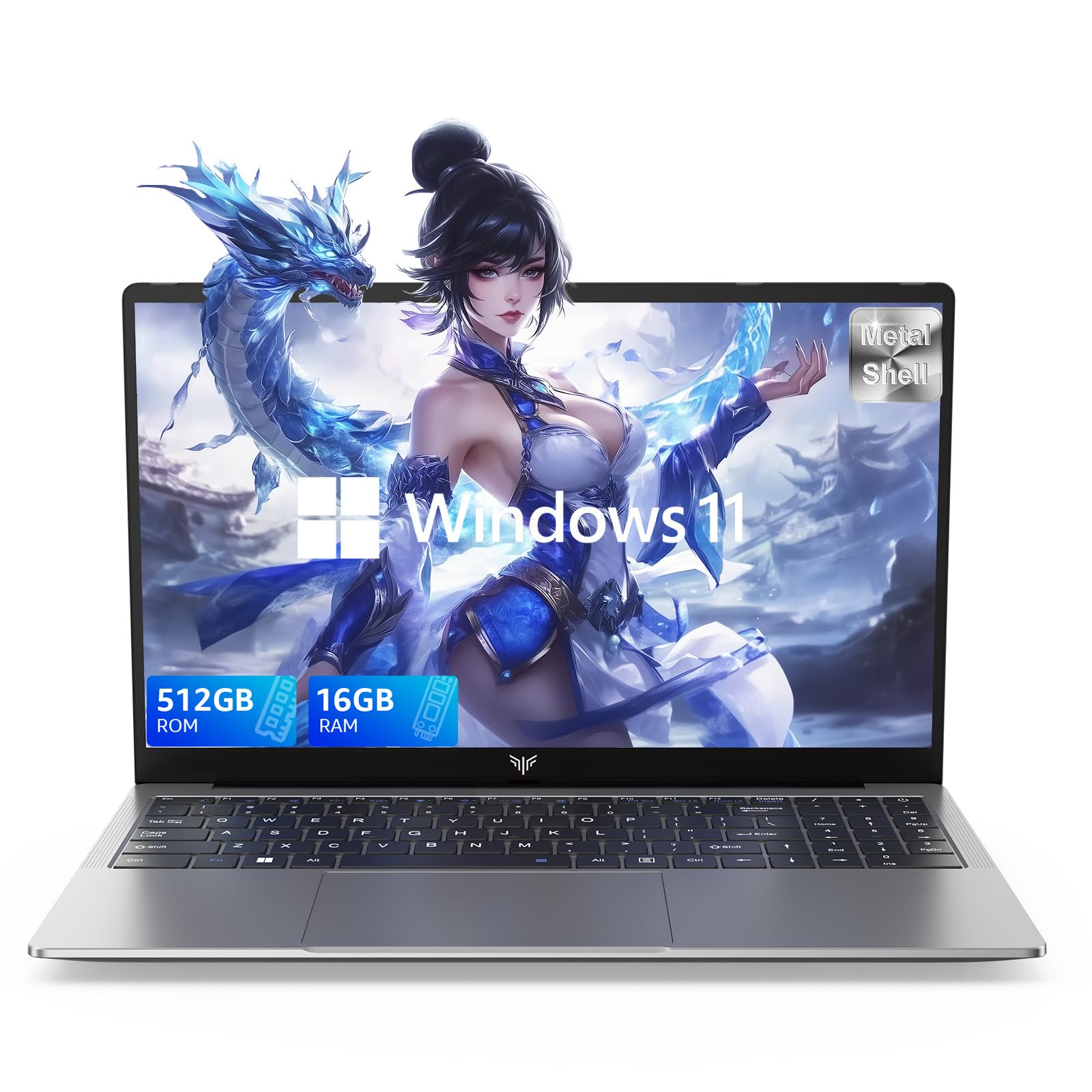
Laptop, 15.6" Business Student Laptop Computer, Intel Quad-Core Processor Windows 11 Laptop, 16GB DDR4 512GB SSD, Up to 2TB,180° Open Angle, Metal Shell, WiFi, USB3.2, Type C
  • Brand: ACEMAGIC
  • Model: AX15
  • Screen: 15.6 Inches Inches
  • Processor: Intel
  • GPU: Intel UHD Graphics Up to 1.2GHz
  • RAM: DDR4
  • Storage: 512 GB SSD
Recent Reviews
David JB (Verified Purchase)
5.0 out of 5 stars 5 stars

great laptop for the price. The 16GB RAM and 512GB ssd provide smooth performance and the 180° hinge is a nice touch. Windows 11 runs well, and the sleek Silver Gray design looks premium. Highly recommend!

3whitey (Verified Purchase)
1.0 out of 5 stars Crashed

Laptop crashed with only a few days of use.I don’t find any warranty information

$249.99
15 reviews
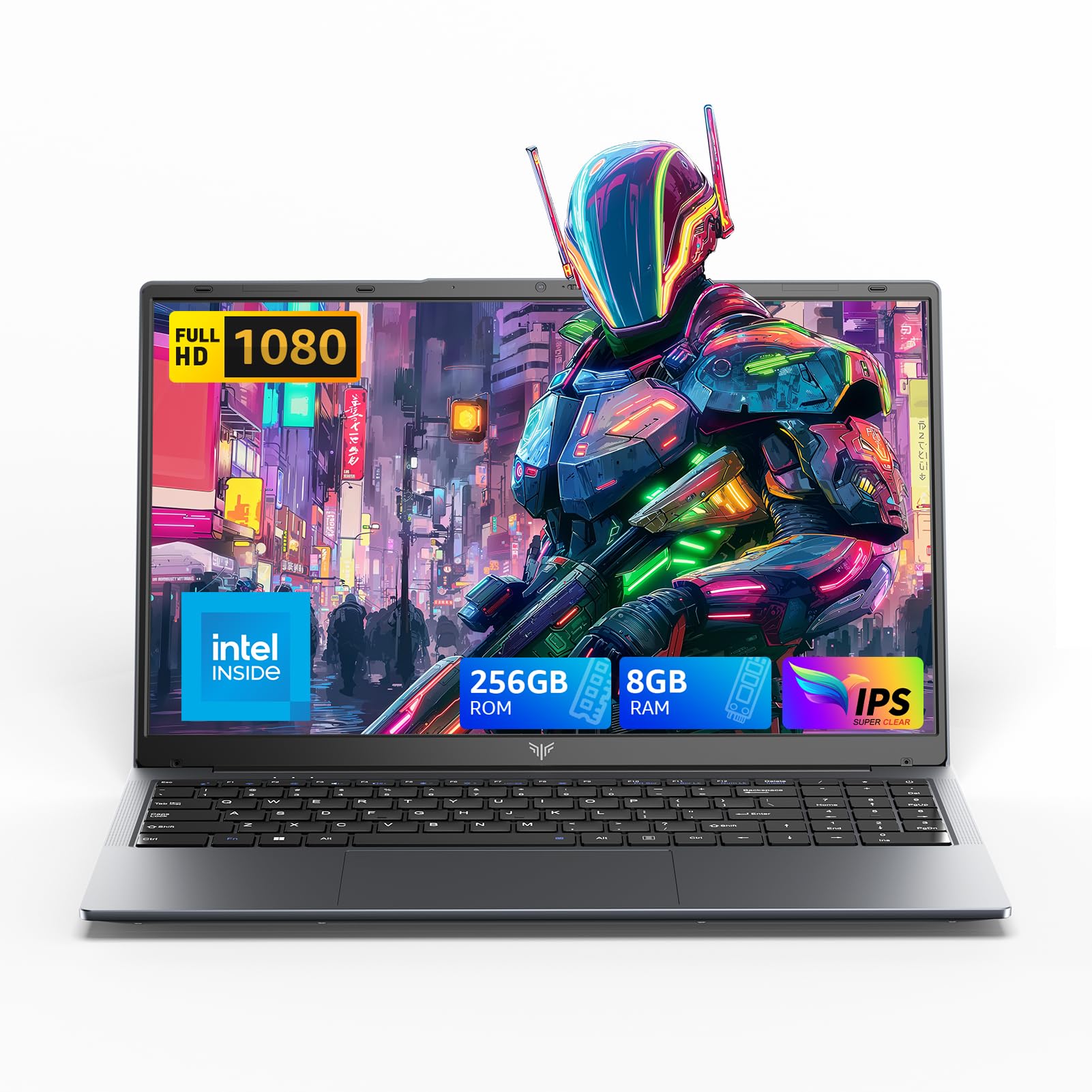
2025 LX15 Laptop, 15.6-inch FHD (1920 x 1080) Display, Ιntel N197(4C/4T) Processor, 8GB DDR4 RAM, 256GB SSD, WiFi5, BT5.0, 38Wh Battery, Gray
  • Brand: ACEMAGIC
  • Model: LX15
  • Screen: 15.6 Inches Inches
  • Processor: Ιntel
  • GPU: Integrated
  • RAM: DDR4
  • Storage: 256 GB SSD
Recent Reviews
Nicholas (Verified Purchase)
5.0 out of 5 stars Rocky setup, but end result was worth it

The media could not be loaded. When I first booted this laptop up, it presented me with a "defaultuser0" account that I didn't know the password to. I completely wiped this laptop's SSD and reinstalled Windows to play it safe, and after that it worked like a charm with regular setup. I did have to find drivers online for the touchpad afterward though.Getting at the SSD to do all of this was thankfully pretty easy, since the bottom panel was removable with a few tiny screws. I noticed that there is only a single slot for RAM in there, but it isn't soldered on so I was able to upgrade it with a 16 gig stick at least. The N97 is no gaming powerhouse but it plays some older titles still, and the laptop works great for work like emails and browsing the internet.

Romaine (Verified Purchase)
4.0 out of 5 stars Good Stuff

Its good runs fast and has space, works for school