1 of selected
Back to All Laptops

Customer Reviews

4.3
Based on 1,900 reviews
Wilson Score: 84.4
5 ★
66%
4 ★
23%
3 ★
7%
2 ★
2%
1 ★
2%

Recent Reviews

Verified Purchase
11/28/2022
4.0 out of 5 stars Quick, lightweight, multi-functional
By Alvin D
After several months of using this Acer Aspire A515-45 laptop, I gotta say it's been an amazing experience. For under $500, you get a really fast, extremely lightweight, and ultra portable laptop.Right out of the box and after the setup, this laptop opens everything insanely quick with the help of the SSD that comes with it. I'm coming from another Acer Aspire laptop from a few years ago that had a standard HD so this is a very nice boost, although the big downside is the not-so-big capacity of the hard drive. At only 256gb (which is normal for laptop SSDs I guess), it can't hold much. Thankfully it comes with a hard drive expansion kit, though it can be a little confusing to use. The possibility is there, but you can also get an external hard drive for that extra space. Even after using more than half of the given hard drive space, this thing still hasn't slowed down and that's one of the things I'm really liking about this laptop.While we're still on the topic of speed, the new Ryzen processor on this laptop is pretty quick too. Equipped with a Ryzen 5 5500U quad core processor, it's a huge boost from the old duo core processor I had on my previous laptop. Though it can't run games like Fortnite on high or max settings at a consistent 60 fps, bumping down some graphics and sacrificing some quality features on Fortnite would help you achieve the near-consistent 60 fps that would help you get those victory royales. The 8 GB ram that comes with this laptop is also nice and should be a standard among all laptops nowadays. I haven't opened the laptop yet to see if there are any open additional expansion slots like my previous Acer laptop, but if there are it would be an even bigger plus.The keyboard on this Aspire 5 feels great. Typing feels amazing, somewhat comparable to a Macbook and with the grey and black color scheme of this laptop, it even looks kind of like one. The sleek texture of the laptop is satisfying to have your palm rest on while you're typing up a storm.The picture quality is what you'd expect from a laptop in 2022; clear picture, sharp images, great pixels, and all those good stuff. Sound on the other hand though is not so great on this Acer Aspire 5. No matter what position I have it on; laying flat, screen side down with the speakers facing me, elevated a little bit from the surface, the sound isn't something to be proud of. It feels a little muffled and even pumping the volume to 100%, increasing everything I can to 100%, the sound is still very weak which is a shame because it makes me resort to using my bluetooth devices to get better sound quality.Speaking of sound quality, I've tried to use my AudioTechnica 2020USB+ microphone on this laptop for work, but at first without knowing, I pluggged it into a USB 3.0 port on the left side and not knowing, the recording quality was very VERY bad. It wasn't until after playback that I discovered the microphone was incompatible (along with my other microphones) with the USB 3.0 side. Not sure if it's just my laptop, but thankfully there's a USB 2.0 port on the right side that works just fine. It took a few days of troubleshooting with Realtek HD audio (which was what I used on my old laptop) to get the sound quality back to standard.Let's talk more about the ports on this laptop. There's 1 USB 2.0 and 2 USB 3.0 ports, an HDMI port (which apparently is rare nowadays on laptops? I know of some people who don't have HDMI ports on them). There's a USB-C port and an ethernet port if you're into being hardwired to your internet. There's also a tiny port that looks like micro HDMI (is that a thing?) or something looks similar to USB-C but a little smaller.I think the last thing to cover before I talk bad about this laptop is the battery which has an amazing life from the beginning. I've been able to do some work and play video games for a good 4ish hours before it asks to be plugged in. On normal usage where you're just browsing or working or not using really process-heavy tasks, you could probably get 7-8 hours on this on a single charge. Charging this laptop is also pretty quick taking 2-3 hours to get it back to full.Also something that's nice that the laptop came with was a webcam privacy protector! And it didn't have just one, but two protectors! Simply take it out of the tiny bag it came in and stick in on where the webcam is and you can slide it to cover the webcam and block out any FBI people watching you browse TikTok.Some qualms I have about this laptop are the function key shortcuts. First of all, by default the function keys are disabled (or enabled, whichever makes it so you have to do extra steps to use them). This means you have to start up your laptop and go to the system menu and enable (or disable) the function keys to make them work as they should. Not sure why this was set as a default, but they're there and they're really useful for everything that you do from lowering and turning down brightness, volume control, and putting the laptop to sleep among other functions. Another (personal) problem I have with the volume control is that on my previous laptop, the volume control function keys were on the arrow which makes sense because if you want the volume up or down, you hold the fn key and press up or down on the arrow! On this laptop, it got moved to the F11 and F10 key respectively. Instead, the arrow keys have the pause/play for up and stop for down and the left arrow has back while the right arrow has forward. One last thing about the function key is that while the placement for the brightness makes sense sort of where raising brightness (F4) is to the right of lowering brightness (F3), the icons on those keys don't make sense! The brightness icons both have a sun, but one is empty in the middle. You'd think that means the brightness is getting lowered as opposed to the icon with the filled in sun, but nope, F3 with the filled in sun means lowering your brightness. Who'd have thought? One last complaint I have about this laptop is the lack of an SD card reader. Maybe this laptop isn't geared towards people who use SD cards often, but my old Acer laptop that costed under $350 at the time I bought it had pretty much all of what this laptop has and an SD card reader on top of it. Would be nice but not detrimental because I know not many people rely on it, but I figure it's not hard to add since it can go in front of the laptop where your left wrist is. Also, while it is good the laptop came with a hard drive upgrade kit with screws and drive holder, taking out the underside of this laptop was a pain compared to my previous laptop. This one has ELEVEN screws you NEED to take out in order to access the inside. This is a lot compared to the only THREE screws needed for my previous Acer laptop. Needless to say, this was a huge time sink especially when all the screws were so tight that it took more than a minute to unscrew them.All miniscule complaints aside, this is a great laptop in its price bracket. If you're looking for a really lightweight and quick work station on the go, this laptop is pretty good and I'd recommend this one. It took me a few days of comparing other laptops and this one was my choice.
198 people found this helpful
Verified Purchase
9/22/2022
5.0 out of 5 stars Solid laptop for the $$$
By Amazon Customer
Purchased this laptop because I didn't want to use my gaming rig for work and other basic tasks.Build quality is far better than I expected at this price point. Sure, it would be great to have a solid aluminum case instead of just the top, but that is to be expected for the price.Took it apart as soon as it was delivered so I could add a 8gb ram stick and a second ssd.Installation was super easy.Kudos to acer for adding the ability to install a 2.5" hard drive with provided hardware.Not many other rigs at this price point that have a second drive option.You can also upgrade the nvme drive if you want to.Backlit keyboard is also a huge plus and it is the perfect brightness in my opinion.Keyboard is comfortable to type on and the addition of a 10 key is another bonus at this price point.Screen is nice and bright with no glare. Honestly a much better picture quality than I expected for a sub $500 laptop.It has all the ports you need to get the job done.2x usb 31x usb 21x usbc "Out only unfortunately" You have to charge the laptop with included charger.Lan/EthernetHeadphone jackPerformance is where this laptop really shines.I am dual booting the stock windows 11 and linux mint.Both run flawlessly and super fast.Hasn't slowed down at all with multiple apps and browser tabs running at once.Everything runs just as fast as my desktop gaming rig.Would't run any high end games on it of coarse since it is not built for that and has no deddicated video card.Pretty sure you could run minecraft or wow/diablo on lower settings.Battery life is also amazing.I am getting about 8 hours of usage before I plug the battery in at 30%.That is with full screen brightness, wifi and bluetooth enabled.It took 10 hours to completely drain the battery after the first charge.I would recommend this laptop to anyone that wants a solid rig at a great price for everything other than gaming.It is also very light for a full featured laptop, so it would be a great choice for school or business for someone that needs/wants to carry around a full sized laptop.I don't think you could find a better laptop for a student at this price.
43 people found this helpful

Frequently Asked Questions

What is the actual speed of the AMD Ryzen 5 5500U processor in this laptop?
The processor has a base clock speed of 2.1 GHz and can boost up to 4.0 GHz using Precision Boost technology. It is a hexa-core (6-core) processor.
Can I upgrade the RAM or storage on this Acer Aspire 5?
The laptop comes with 8GB of DDR4 RAM soldered onto the motherboard. However, it has one available hard drive bay, allowing you to add a secondary storage drive alongside the existing 256GB NVMe SSD.
What types of USB ports does this laptop have and what are their speeds?
It has four USB ports: one USB 3.2 Type-C Gen 1 port (up to 5 Gbps), two USB 3.2 Gen 1 Type-A ports (one supports charging devices when the laptop is off), and one slower USB 2.0 port.
Is the screen suitable for detailed work or media consumption?
Yes, the 15.6-inch display uses an IPS panel with a Full HD resolution of 1920 x 1080 pixels, providing wide viewing angles and sharp detail for everyday tasks and video.
What wireless connectivity standards are supported?
The laptop features an Intel Wi-Fi 6 AX200 card for dual-band (2.4GHz and 5GHz) 802.11ax wireless with 2x2 MU-MIMO, and it also includes Bluetooth 5.0 for connecting peripherals.

Similar Laptops You Might Like

$399.99
17 reviews
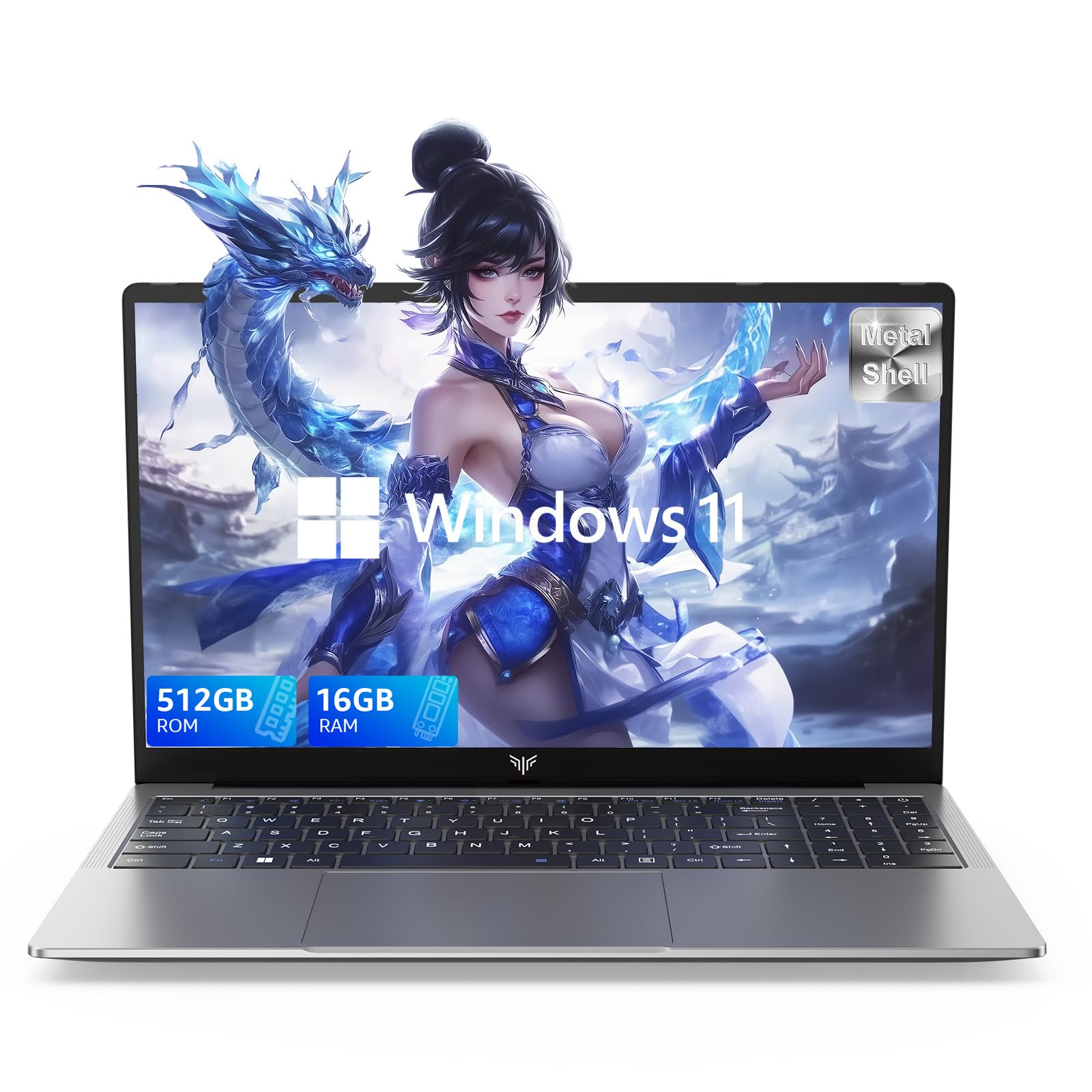
Laptop, 15.6" Business Student Laptop Computer, Intel Quad-Core Processor Windows 11 Laptop, 16GB DDR4 512GB SSD, Up to 2TB,180° Open Angle, Metal Shell, WiFi, USB3.2, Type C
  • Brand: ACEMAGIC
  • Model: AX15
  • Screen: 15.6 Inches Inches
  • Processor: Intel
  • GPU: Intel UHD Graphics Up to 1.2GHz
  • RAM: DDR4
  • Storage: 512 GB SSD
Recent Reviews
David JB (Verified Purchase)
5.0 out of 5 stars 5 stars

great laptop for the price. The 16GB RAM and 512GB ssd provide smooth performance and the 180° hinge is a nice touch. Windows 11 runs well, and the sleek Silver Gray design looks premium. Highly recommend!

3whitey (Verified Purchase)
1.0 out of 5 stars Crashed

Laptop crashed with only a few days of use.I don’t find any warranty information

$249.99
15 reviews
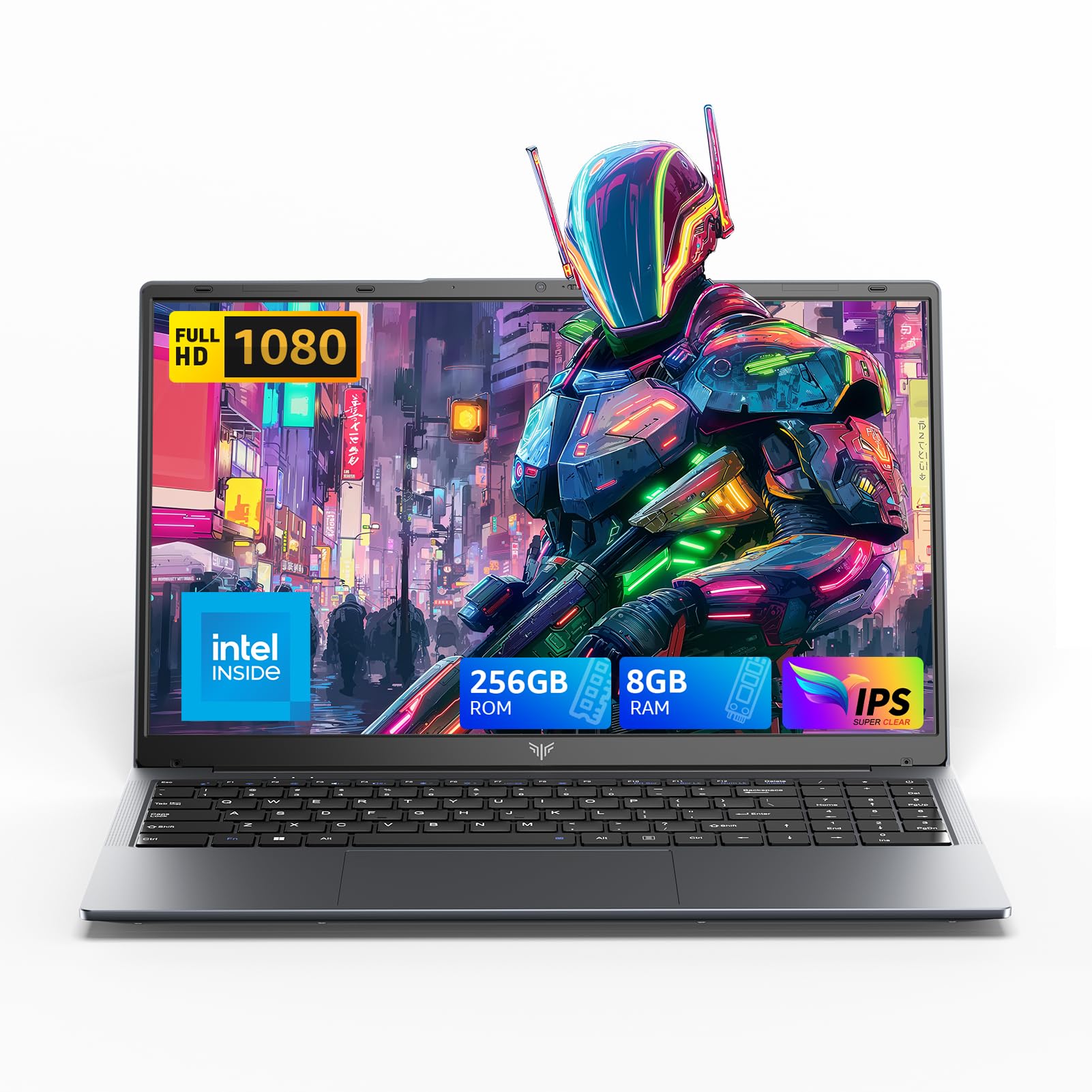
2025 LX15 Laptop, 15.6-inch FHD (1920 x 1080) Display, Ιntel N197(4C/4T) Processor, 8GB DDR4 RAM, 256GB SSD, WiFi5, BT5.0, 38Wh Battery, Gray
  • Brand: ACEMAGIC
  • Model: LX15
  • Screen: 15.6 Inches Inches
  • Processor: Ιntel
  • GPU: Integrated
  • RAM: DDR4
  • Storage: 256 GB SSD
Recent Reviews
Nicholas (Verified Purchase)
5.0 out of 5 stars Rocky setup, but end result was worth it

The media could not be loaded. When I first booted this laptop up, it presented me with a "defaultuser0" account that I didn't know the password to. I completely wiped this laptop's SSD and reinstalled Windows to play it safe, and after that it worked like a charm with regular setup. I did have to find drivers online for the touchpad afterward though.Getting at the SSD to do all of this was thankfully pretty easy, since the bottom panel was removable with a few tiny screws. I noticed that there is only a single slot for RAM in there, but it isn't soldered on so I was able to upgrade it with a 16 gig stick at least. The N97 is no gaming powerhouse but it plays some older titles still, and the laptop works great for work like emails and browsing the internet.

Romaine (Verified Purchase)
4.0 out of 5 stars Good Stuff

Its good runs fast and has space, works for school